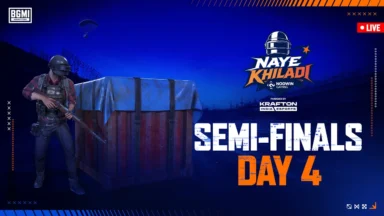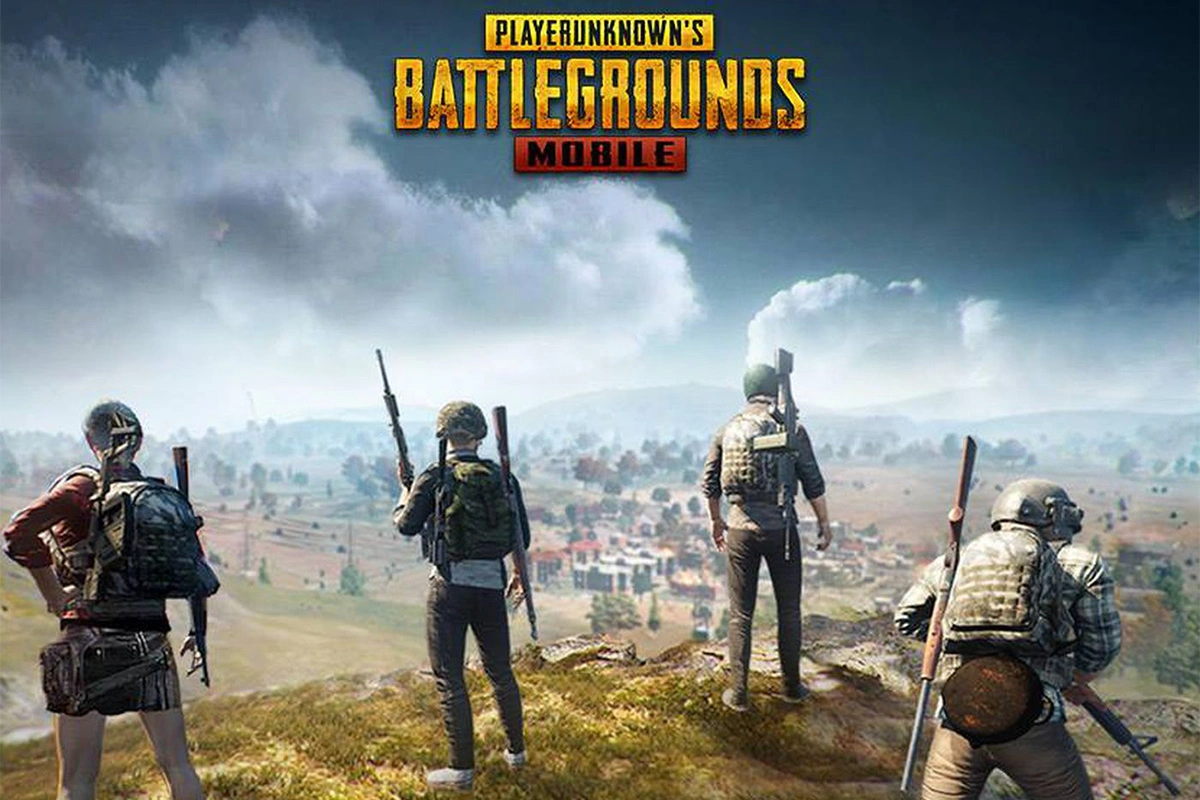
The PUBG Mobile 4.5 update is officially live. It brings a massive Naruto Shippuden collaboration. Players can explore the Hidden Leaf Village. You can also use iconic ninjutsu abilities. The patch includes Metro Royale additions and new Ferrari content. Check out the guide to download PUBG Mobile 4.5 Update Apk below.
PUBG Mobile 4.5 Update Apk – Release Date and Time
The 4.5 version began rolling out on July 8, 2026. It became fully available globally by July 9 at 11:00 UTC. Regional store availability may vary slightly.
Download PUBG Mobile 4.5 Update via Google Play Store
Android users can easily grab the update directly. Check out the – Google Play Store link of PUBG Mobile.
- Open the Google Play Store on your device.
- Search for “PUBG Mobile” in the top bar.
- Select the official game from the results.
- Tap the “Update” button to download the files.
- Launch the game to install additional in-game resources.
ALSO READ –
- PMWC 2026 Groups, Teams, Schedule, Format, and More
- PMWC 2026 at EWC26: Check out the Updated Format and More
- How to Download PUBG Mobile 4.5 Update APK via Official Website
- PUBG Mobile VN 4.5 Update Download Link Is Now Live
Download via App Store
iOS players can follow a similar direct method. Check out the – App Store link of PUBG Mobile.
- Open the App Store on your Apple device.
- Search for “PUBG Mobile” using the search tab.
- Tap on the official game listing.
- Hit the “Update” button to start downloading.
- Open the game to complete the final installation.
Download PUBG Mobile 4.5 Update Apk Via Official Website (APK)
If the store update is delayed, use the APK.
- Search the Game: Open your browser and search for the official PUBG Mobile website.
- Download the APK: Tap the “APK Download” button on the homepage.
- Locate the File: Find the downloaded 4.5 version file in your device manager.
- Allow Installation: Required for sideloading. Tap the file and allow installation from unknown sources.
- Install Resources: Launch the game and download the remaining data files.
- Explore The New Themed Mode – Now you are ready the brand new themed mode in the game.
Follow
Editor's Pick
 Cricket
India squad for Sri Lanka Tests to be picked this week: Bumrah, Jadeja to return, Washington Sundar doubtful
Cricket
India squad for Sri Lanka Tests to be picked this week: Bumrah, Jadeja to return, Washington Sundar doubtful
Top Stories