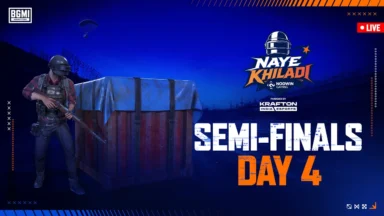
PUBG Mobile Lite new update Apk Download is now available. The update includes a number of new features and improvements. Follow the steps to download the latest Apk given below.
To download the new update for PUBG Mobile Lite, you can follow these steps:
- Go to the Google Play Store or the Apple App Store.
- Search for “PUBG Mobile Lite”.
- Tap on the “Update” button.
- Wait for the update to download and install.
Once the update is installed, you can open the PUBG Mobile Lite app and start playing.

ALSO READ
- Dplus Kia Wins League of Legends at Esports World Cup 2026
- Team Vitality defend MWI crown on home soil at EWC 2026
- PMWC 2026 at EWC: Schedule, Format, Map Rotation, and Everything Need To Know
- PMWC 2026 Groups, Teams, Schedule, Format, and More
- MLBB MSC 2026 at EWC26: Group Stage Draw Revealed
Here are the steps on how to download the PUBG Mobile Lite APK:
- Go to the official website of PUBG Mobile Lite or a trusted third-party website.
- Click on the “Download APK” button.
- Allow downloads from unknown sources if prompted.
- Once the download is complete, open the APK file and follow the on-screen instructions to install the app.
Once the app is installed, you can open it and start playing.
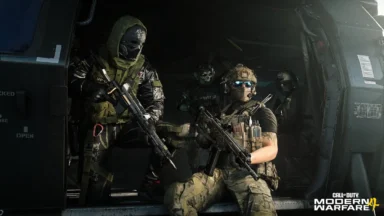
PUBG Mobile Lite is a free-to-play battle royale game developed by Lightspeed & Quantum Studios and published by Tencent Games. It is a lite version of the popular game PUBG Mobile, designed for devices with low specifications. The game features a smaller map, fewer players, and lower graphics than PUBG Mobile. It also has a simplified control scheme that makes it easier to play on touchscreen devices.
 Cricket
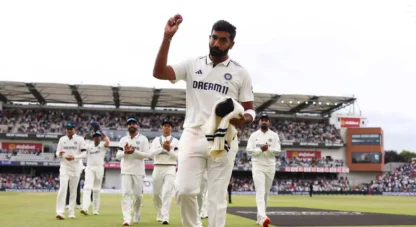
India squad for Sri Lanka Tests to be picked this week: Bumrah, Jadeja to return, Washington Sundar doubtful
Cricket
India squad for Sri Lanka Tests to be picked this week: Bumrah, Jadeja to return, Washington Sundar doubtful