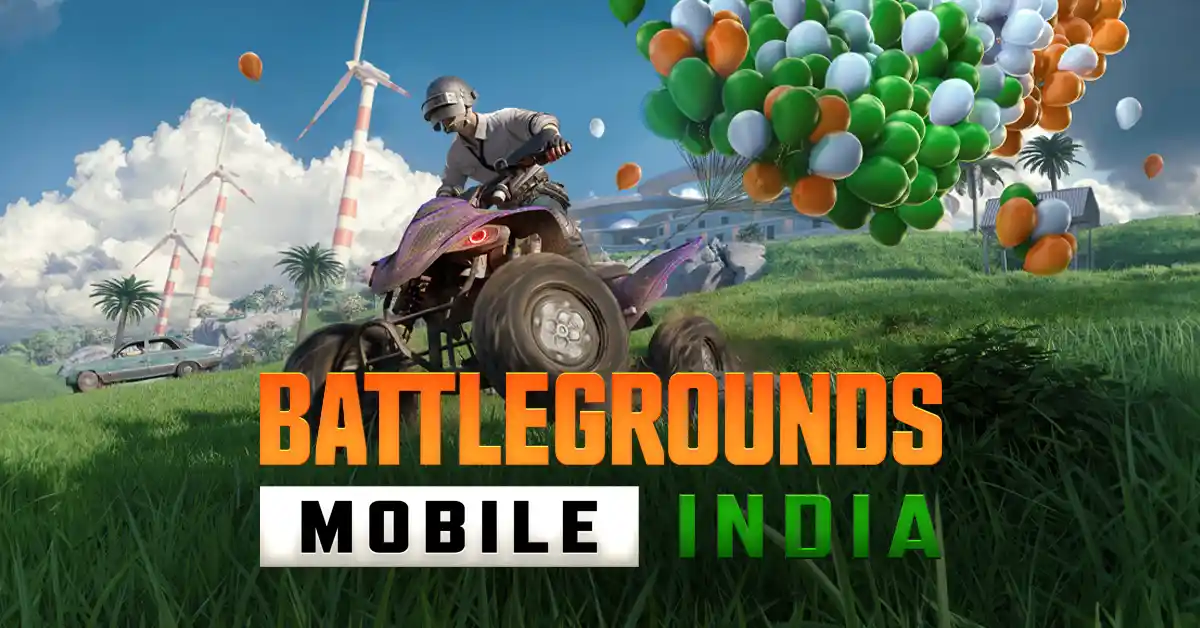
Battlegrounds Mobile India (BGMI) is a massive game with millions of active players. Technical issues or account problems can happen at any time. Knowing the official BGMI support email is crucial for every gamer. This guide explains how to reach Krafton effectively.
Official BGMI Support Email
The primary way to contact the developers is through their dedicated email. For general queries, use battlegroundsindia_support@krafton.com. This address handles technical glitches and account recovery.
For legal or privacy concerns, you must contact the Grievance Officer. Currently, Sanket Sarkar serves in this role. Reaching out to the right person ensures a faster response.
Essential Details to Include
When you send an email, clarity is very important. Krafton receives thousands of messages every single day. You must provide specific details to stand out.
- Character ID: Provide your unique numerical game ID.
- In-game Name: Write your exact nickname including special symbols.
- Device Info: Mention your phone model and operating system.
- Issue Description: Explain your problem in very simple words.
- Proof: Always attach screenshots or screen recordings of the error.
Read More about BGMI
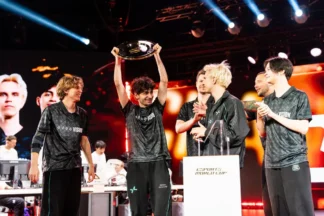
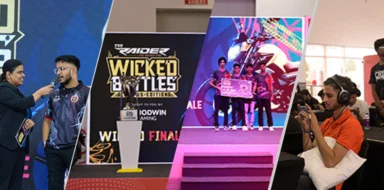
- Road to BGMS Season 5: Registrations For 2026 TVS Raider Wicked Battle Are Live
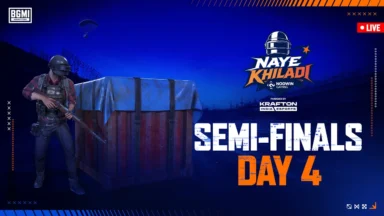
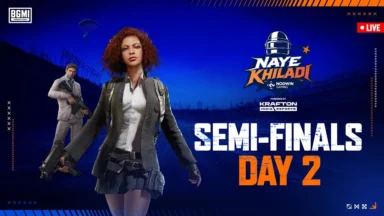
- BGMI Naye Khiladi: Semi-Finals Day 4 Decides Grand Finalists!
- BGMI Naye Khiladi Semi Finals Day 3 Overall Standings and More
- BGMS Season 5: Nodwin Gaming Teases Upcoming BGMI Masters Series 2026
- PMWC 2026 Groups, Teams, Schedule, Format, and More
Reporting Common Game Issues
- Many players face problems with in-game purchases or UC. If your payment fails, send the digital receipt immediately. Krafton needs the transaction ID to verify your claim.
- Account bans are another frequent reason for contacting support. If you believe a ban was wrong, ask for a manual review. Be polite and avoid using aggressive language in your mail.
- Using the In-Game Support Feature – The email is great, but the in-game system is often faster. Open the Settings menu in the BGMI app. Look for the Customer Service icon at the bottom.
- This section offers automated help for common technical bugs. You can also chat with a bot for instant answers. If the bot fails, it will redirect you to a human.
- Response Time and Follow-ups – Krafton usually responds within 24 to 48 hours. Do not spam the support email with multiple messages. This can actually delay the processing of your request.
Check your “Spam” folder if you do not see a reply. Always reply to the same email thread for consistency. Following these steps helps resolve your BGMI issues quickly.
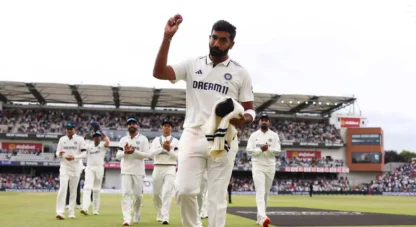 Cricket
India squad for Sri Lanka Tests to be picked this week: Bumrah, Jadeja to return, Washington Sundar doubtful
Cricket
India squad for Sri Lanka Tests to be picked this week: Bumrah, Jadeja to return, Washington Sundar doubtful