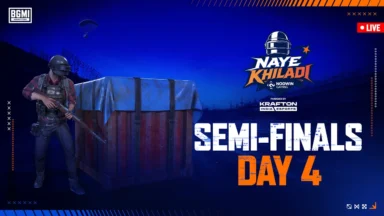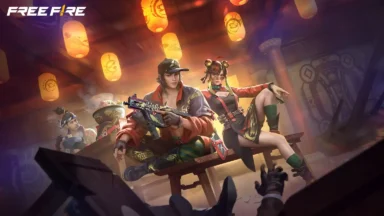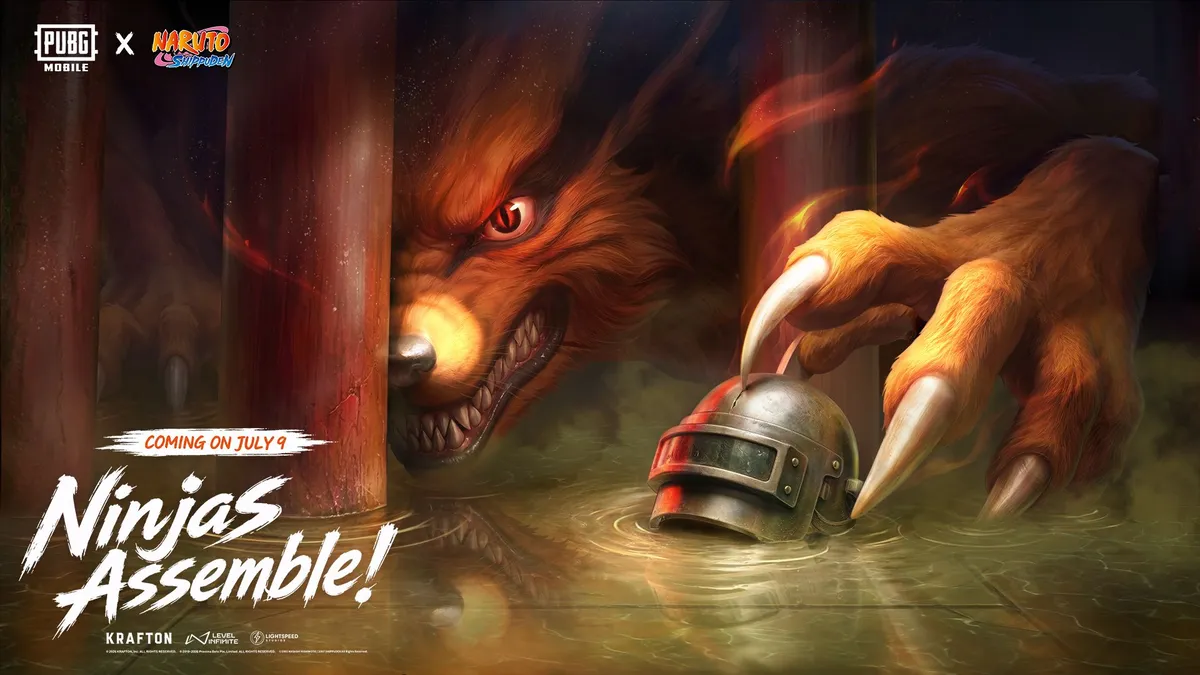
The highly anticipated PUBG Mobile 4.5 update is finally here, bringing one of the game’s biggest crossovers ever with the Naruto Shippuden collaboration. The new “Ninjas Assemble” themed mode allows players to step into the ninja world across Erangel, Livik, and Sanhok, bringing iconic abilities like the Rasengan, Chidori, and Shadow Clones into the battleground. Alongside the anime action, the update features a Ferrari collaboration, major additions to World of Wonder, and Chapter 33 of Metro Royale with the Nine-Tails Challenge. Check out the PUBG Mobile 4.5 Update Download Date and time below.
PUBG Mobile 4.5 Update Download Date and Time
The PUBG Mobile Version 4.5 update began its gradual rollout on July 8, 2026, and is scheduled to be fully available globally across all platforms by July 9, 2026, at 11:00 (UTC+0).
ALSO READ –
- PMWC 2026 Groups, Teams, Schedule, Format, and More
- PMWC 2026 at EWC26: Check out the Updated Format and More
- How to Download PUBG Mobile 4.5 Update APK via Official Website
- PUBG Mobile VN 4.5 Update Download Link Is Now Live
How to Download PUBG Mobile Next 4.5 Update for Android
Ensure your device has at least 3 GB of free storage before starting, as the update requires both the base app and additional in-game resource packs.
- Open the Google Play Store on your Android device.
- Tap the search bar at the top and type PUBG Mobile.
- Select the official game from the search results.
- Tap the Update button. (If it still says “Play,” the update hasn’t rolled out to your specific device yet — check back in a few hours).
- Once the download finishes, launch the game and wait for the in-game resource files (approx. 1.5 GB to 2 GB) to install.
How to Download PUBG Mobile 4.5 Update for iOS
The process for iPhones and iPads is just as straightforward.
- Open the App Store on your iOS device.
- Tap the Search icon at the bottom right and type PUBG Mobile.
- Locate the official game and tap the Update button next to it.
- If the update isn’t showing, tap your profile icon at the top right of the App Store and swipe down to refresh your pending updates list.
- After installing, open the game to finish downloading the required in-game patch files before dropping into the new themed modes.
 Cricket
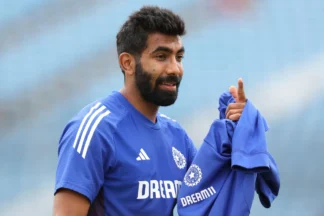
India squad for Sri Lanka Tests to be picked this week: Bumrah, Jadeja to return, Washington Sundar doubtful
Cricket
India squad for Sri Lanka Tests to be picked this week: Bumrah, Jadeja to return, Washington Sundar doubtful