
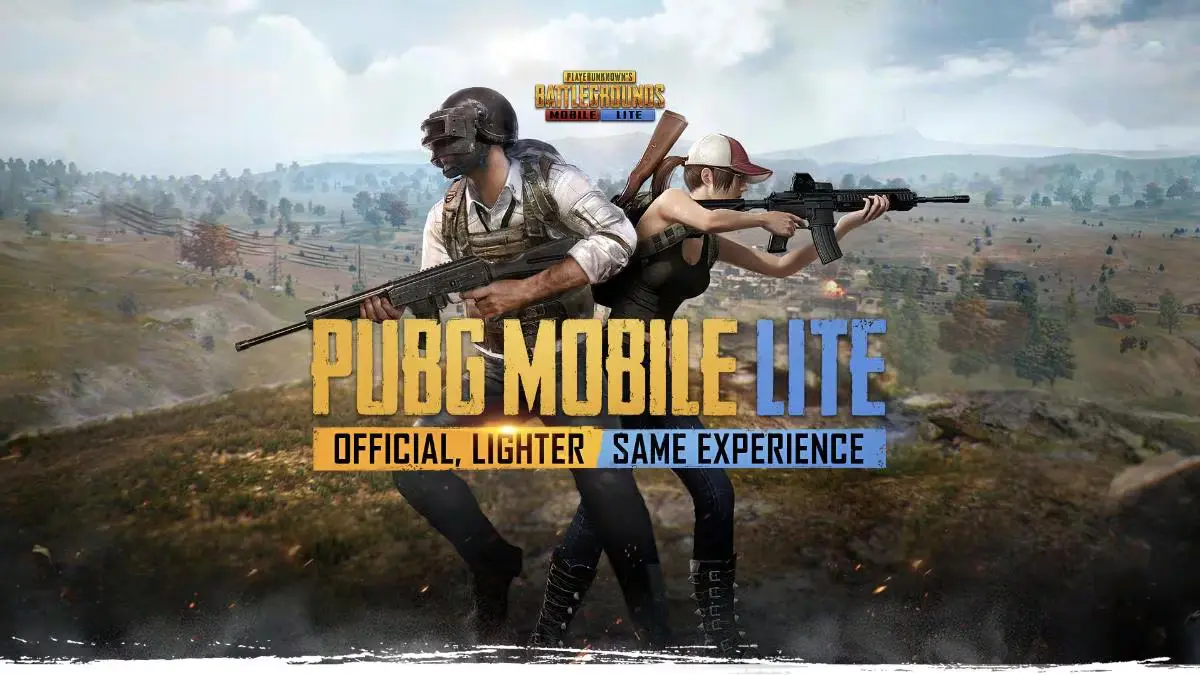
PUBG Mobile Lite remains a top choice for low-end devices. It offers intense battle royale action with minimal hardware needs. Many players prefer using TapTap for safe and fast updates. Follow these simple steps to PUBG Mobile Lite Download APK below.
PUBG Mobile Lite Download APK – Prerequisites for Installation
- Operating System: Android 4.0.3 or higher.
- Storage: At least 1GB of free space.
- RAM: Minimum 1GB is required for smooth play.
Step-by-Step PUBG Mobile Lite Download TapTap Guide
- 1. Download the TapTap App – Visit the official TapTap website on your mobile browser. Click the download button to get the APK file.
- 2. Enable Unknown Sources – Go to your phone settings and select security. Enable “Install from Unknown Sources” for your browser.
- 3. Install TapTap – Locate the downloaded file in your folder. Tap it to begin the installation process.
- 4. Search for PUBG Mobile Lite – Open the TapTap app and use the search bar. Type “PUBG Mobile Lite” and select the official game.
- 5. Download the Game – Click the “Install” or “Download” button on the game page. The app will handle the file extraction automatically.
- 6. Launch and Play – Once finished, open the game and grant necessary permissions. Log in to start your survival journey.
ALSO READ –
- PMWC 2026 Groups, Teams, Schedule, Format, and More
- PMWC 2026 at EWC26: Check out the Updated Format and More
- How to Download PUBG Mobile 4.5 Update APK via Official Website
- PUBG Mobile VN 4.5 Update Download Link Is Now Live
Always use official platforms to avoid malware risks. Ensure your internet connection is stable during the download. Using TapTap ensures you receive the newest 0.27.0 patches. Enjoy the 60-player matches on your budget-friendly device today!
Follow
Editor's Pick
 Cricket
India squad for Sri Lanka Tests to be picked this week: Bumrah, Jadeja to return, Washington Sundar doubtful
Cricket
India squad for Sri Lanka Tests to be picked this week: Bumrah, Jadeja to return, Washington Sundar doubtful
Top Stories

















































