
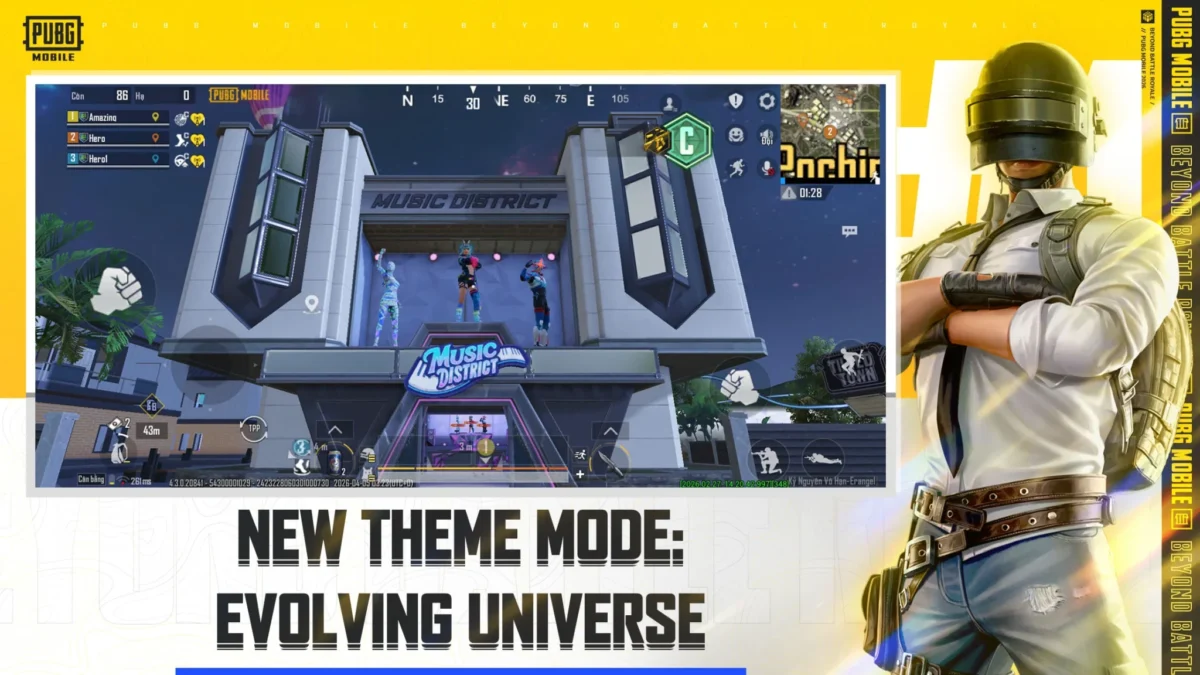
The PUBG Mobile 4.3 update is officially rolling out for Android users worldwide. This isn’t just any regular patch; it marks the game’s 8th Anniversary, bringing a massive wave of futuristic content under the “Evolving Universe” theme. Check out the full guide to PUBG Mobile 4.3 Update Apk Download below.
If you’ve been looking for a fresh reason to drop into Erangel, this update delivers. From brand-new specialization skills to the return of fan-favorite collaborations, there is a lot to explore. Here is everything you need to know about getting the latest version on your device.
What’s New in the PUBG Mobile 4.3 Update?
The 4.3 version is centered around the Evolving Universe mode. Unlike previous themes, this one focuses on player progression during the match. You can now choose a “Specialization” (like Medic, Recon, or Combat) and level up your skills from C-Rank to S-Rank as you play.
Other highlights include:
- Temporal Vaults: High-tier loot rooms that offer a “Sandbox” tool to predict the next zone.
- M1 Garand: A classic semi-automatic rifle joins the armory.
- Jujutsu Kaisen Return: The popular anime collaboration is back with new rewards.
- Anniversary Landmarks: Iconic spots on the map have been redesigned with a futuristic 8th-anniversary aesthetic.
ALSO READ –
- PMWC 2026 Groups, Teams, Schedule, Format, and More
- PMWC 2026 at EWC26: Check out the Updated Format and More
- How to Download PUBG Mobile 4.5 Update APK via Official Website
- PUBG Mobile VN 4.5 Update Download Link Is Now Live
How to Download PUBG Mobile 4.3 Update Apk from Google Play Store
Updating through the official Google Play Store is the safest and most reliable way to ensure your game files are secure and optimized. Follow these simple steps to get started:
- PUBG Mobile 4.3 Update Apk Download – Click Here
- Open Google Play Store: Launch the Play Store app on your Android smartphone.
- Search for the Game: Type “PUBG Mobile” in the search bar at the top.
- Select the Official App: Click on the game icon (developed by Level Infinite).
- Tap ‘Update’: If the 4.3 update is live in your region, you will see a green Update button. Click it to begin the download.
- Wait for Installation: The update size is approximately 1.2 GB, so ensure you are on a stable Wi-Fi connection.
- Launch and Compile: Once finished, open the game. It will likely download a small amount of additional “Resource Packs” before you can reach the main lobby.
Pro Tip: Update Not Showing?
If you only see a “Play” button instead of “Update,” don’t panic. The 4.3 update rolls out in phases. You can try clearing the cache of your Google Play Store app in your phone settings or simply wait a few hours. By the end of the day, it should be available for everyone
 Cricket
India squad for Sri Lanka Tests to be picked this week: Bumrah, Jadeja to return, Washington Sundar doubtful
Cricket
India squad for Sri Lanka Tests to be picked this week: Bumrah, Jadeja to return, Washington Sundar doubtful

















































