Sometimes the dreaded server downtime disrupts players’ winning streak in Battlegrounds Mobile India. But before you panic, here are some troubleshooting steps to get you back in the fight. Follow the steps to fix server connectivity and BGMI Server Down/Failure issues.
BGMI Server Down/Failure: Guide to fix
Unstable connections are a common culprit behind server issues. So, the first line of defense is to check your internet stability. If you’re on Wi-Fi, try switching to cellular data, or vice versa. Opt for a strong Wi-Fi connection whenever possible. Additionally, avoid areas with congested networks, as heavy traffic can disrupt your connection.
- Change your connection method to Cellular vs. Wi-Fi (Wi-Fi preferably), or avoid regions with heavy network traffic.
- End all the other applications in the background and restart the game.
- Restart your phone and connection to try again.
- If your ping is around 360-369ms, then it becomes a Server Not Responding issue.
Read More about BGMI
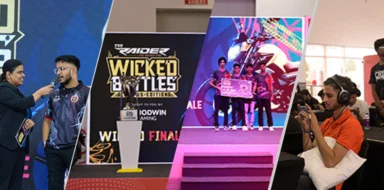
- Road to BGMS Season 5: Registrations For 2026 TVS Raider Wicked Battle Are Live
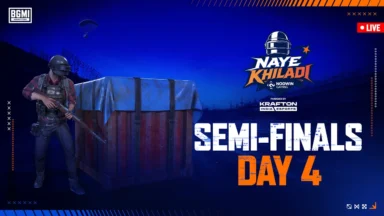
- BGMI Naye Khiladi: Semi-Finals Day 4 Decides Grand Finalists!
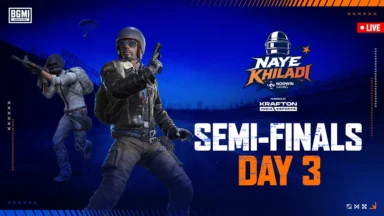
- BGMI Naye Khiladi Semi Finals Day 3 Overall Standings and More
- BGMS Season 5: Nodwin Gaming Teases Upcoming BGMI Masters Series 2026
- PMWC 2026 Groups, Teams, Schedule, Format, and More
If you’ve exhausted these steps and the server woes persist, don’t hesitate to contact BGMI support. Their technical team is equipped to handle such issues and offer further assistance.
Remember, a little troubleshooting can save your game and get you back to dominating the battlegrounds! So next time you encounter server downtime, keep these tips in mind and get back to the action in no time.
 Cricket
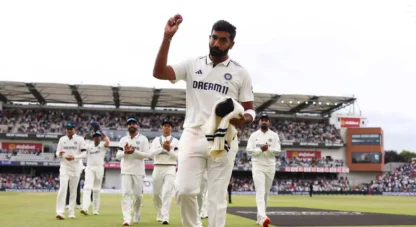
India squad for Sri Lanka Tests to be picked this week: Bumrah, Jadeja to return, Washington Sundar doubtful
Cricket
India squad for Sri Lanka Tests to be picked this week: Bumrah, Jadeja to return, Washington Sundar doubtful