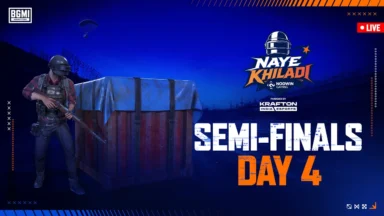
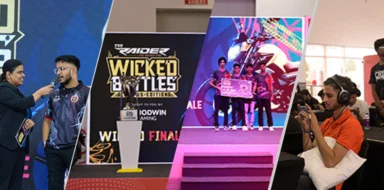
Battlegrounds Mobile India have a lot of amazing cosmetics in the game. To purchase these outfits, skins, and other cosmetics, players need to spend UC (In-game currency). Players need to purchase UC by using real money. BGMI, the Indian version of PUBG Mobile, doesn’t have a separate website for purchasing UC. But you can purchase UC directly within the game itself or through authorized third-party platforms like Google Play Store. Check out the full BGMI UC Purchase Guide.

BGMI UC Purchase Guide: In-game
Open the BGMI app.Tap the “+” button located at the top-right corner of your screen.
This will open the in-game store.Select the “UC” tab.
Choose the desired UC amount and payment method.
Follow the on-screen instructions to complete the purchase.
ALSO READ
- Dplus Kia Wins League of Legends at Esports World Cup 2026
- Team Vitality defend MWI crown on home soil at EWC 2026
- PMWC 2026 at EWC: Schedule, Format, Map Rotation, and Everything Need To Know
- PMWC 2026 Groups, Teams, Schedule, Format, and More
- MLBB MSC 2026 at EWC26: Group Stage Draw Revealed
Purchasing UC through Google Play Store:
Open the Google Play Store app.
Search for “BGMI”.
Open the BGMI app listing.
Scroll down and tap on “Top in-app purchases”.
Select the desired UC amount.
Choose your payment method and complete the purchase.
Important things to remember:
Always check the price and bonus offers before purchasing UC. Only use secure and trusted payment methods. Be cautious of scams and phishing attempts. Never share your BGMI account login details with anyone. Spend responsibly and avoid overspending on UC.
 Cricket
India squad for Sri Lanka Tests to be picked this week: Bumrah, Jadeja to return, Washington Sundar doubtful
Cricket
India squad for Sri Lanka Tests to be picked this week: Bumrah, Jadeja to return, Washington Sundar doubtful