
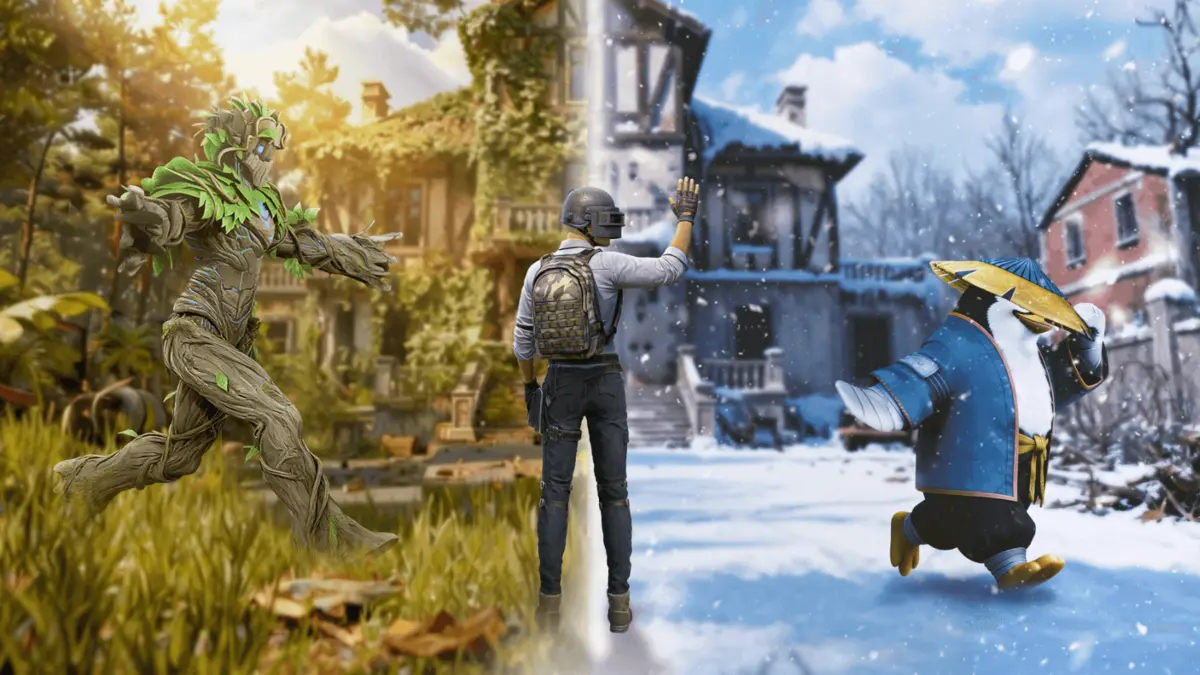
The BGMI 4.2 Update is one of the most anticipated patches of early 2026, bringing the nature-themed Primewood Genesis Mode. With the release scheduled for January 15, 2026, players are gearing up to explore the new magical elements, vehicles, and weapon changes. Here is your complete guide on how to download BGMI 4.2 update safely on Android and iOS as soon as it drops.
BGMI 4.2 Update Download Links
- Release Date: January 15, 2026
- Rollout Time (Android): 06:30 AM – 12:30 PM IST
- Rollout Time (iOS): 08:30 AM – 12:30 PM IST
- Update Size: Estimated 0.9 GB – 1.5 GB (varies by device)
Note: The update is distributed in batches. If you don’t see it immediately at 6:30 AM, do not panic. It usually reaches all devices by the afternoon.
BGMI 4.2 Update Download Link For Android – Click Here
BGMI 4.2 Update Download Link for iOS – Click Here
Read More about BGMI
- Road to BGMS Season 5: Registrations For 2026 TVS Raider Wicked Battle Are Live
- BGMI Naye Khiladi: Semi-Finals Day 4 Decides Grand Finalists!
- BGMI Naye Khiladi Semi Finals Day 3 Overall Standings and More
- BGMS Season 5: Nodwin Gaming Teases Upcoming BGMI Masters Series 2026
- PMWC 2026 Groups, Teams, Schedule, Format, and More
How to Download BGMI Latest Update on Android
The safest and most reliable way to update is via the Google Play Store. Avoid third-party APK links on launch day to prevent account bans or security risks.
- Open the Google Play Store on your device.
- Tap on your Profile Icon (top right corner).
- Select “Manage apps & device”.
- Tap on “Updates available”.
- Find Battlegrounds Mobile India (BGMI) in the list.
- Tap the Update button.
How to Download BGMI 4.2 Update on iOS (iPhone/iPad)
Apple App Store updates can sometimes be tricky to spot immediately. Use this method to force the refresh.
- Open the App Store.
- Tap on your Profile Icon (top right corner).
- Pull down on the screen to refresh the page. (You will see a spinning loading wheel).
- Scroll down to the “Upcoming Automatic Updates” or “Available Updates” section.
- Look for BGMI and tap Update.
Pro Tip for iOS: If the button still says “OPEN,” try tapping on the BGMI icon to go to the specific app page. Sometimes the “UPDATE” button appears there first.
 Cricket
India squad for Sri Lanka Tests to be picked this week: Bumrah, Jadeja to return, Washington Sundar doubtful
Cricket
India squad for Sri Lanka Tests to be picked this week: Bumrah, Jadeja to return, Washington Sundar doubtful

















































