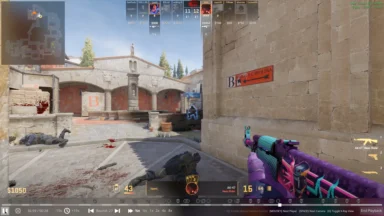
Get ready to dive into the latest PUBG Mobile experience with the highly anticipated 4.0 Beta update. This early access version lets players explore exciting new modes, features, and improvements before the official release. Whether you’re on Android or iOS, this guide will walk you through the simple steps to download and install the PUBG Mobile 4.0 Beta and start testing the newest content firsthand. Check out the guide of PUBG Mobile 4.0 Beta APK Download below.
How to Install and PUBG Mobile 4.0 Beta Apk Download
For Android Users:
- Visit the Beta APK download page on the UptoDown website.
- On the page, tap the “Download” or “Get Latest Version” button.
- Select the most recent APK file to begin your download.
- Once the download finishes, locate the APK in your file manager and start the installation.
- You’ll need to grant permission for installations from unknown sources in your device settings.
- After installation, you’re ready to experience the new features and modes on the Beta server!
ALSO READ –
- PMWC 2026 Groups, Teams, Schedule, Format, and More
- PMWC 2026 at EWC26: Check out the Updated Format and More
- How to Download PUBG Mobile 4.5 Update APK via Official Website
- PUBG Mobile VN 4.5 Update Download Link Is Now Live
For iOS Users:
- To participate in the PUBG Mobile 4.0 Beta on an iOS device, fill out the application form provided via the official link.
- If chosen, you’ll receive access through Apple’s TestFlight program, which has limited slots available—so sign up quickly.
- As a beta tester, you can explore upcoming content before release and support the game’s development by reporting bugs and offering feedback, helping improve the quality of the official update.
This process gives players early access to new additions while playing an important role in shaping the final version for everyone.
Follow