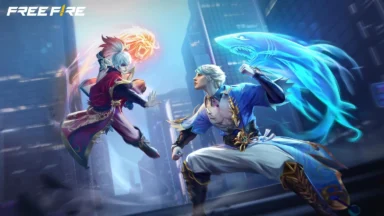
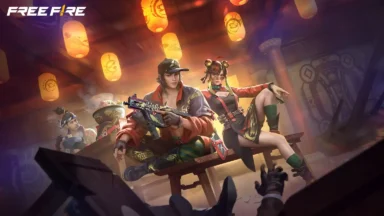
Garena’s popular battle royale game, Free Fire MAX, has received a significant update for 2023. The update introduces a new map, new weapons, new characters, and two new ranked game modes, offering players a fresh and exciting gameplay experience. Check out the step-by-step guide for FF MAX Download APK new update 2023.
The competitive spirit of Free Fire MAX is further ignited with the introduction of two new ranked game modes: Clash Squad Ranked and One-Man Squad Ranked. Clash Squad Ranked features intense 4v4 team battles, while One-Man Squad Ranked tests players’ individual skills and survival instincts in solo matches.
Steps for FF MAX Download APK New Update 2023
To experience the new content and gameplay enhancements, players can download the FF MAX APK update by following these steps:
- Visit the Google Play Store or App Store page of Free Fire MAX.
- Click on the “Download” button.
- Allow the download of the APK file.
- Once the download is complete, open the APK file and proceed with the installation.
- Launch Free Fire MAX and enjoy the updated game experience.
Also Read:
- Free Fire MAX Redeem Codes Today July 21 Indian Server Bring Free Rewards
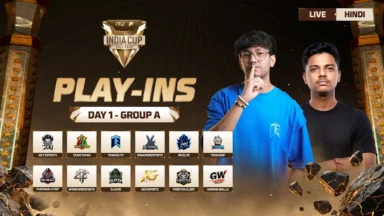
- TEZ FFMIC 2026 Fall Play-Ins: FFC and City Qualifier Teams Revealed
- Garena Introduces Free Fire MAX Transfer Window with Specific Rules
Additional Tips:
- Ensure sufficient storage space on your device before downloading the APK file.
- Connect to a Wi-Fi network to avoid data usage during the download process.
- Follow the on-screen instructions during the installation procedure.
- Contact Free Fire MAX customer support if you encounter any issues during the download or installation process.
 Cricket
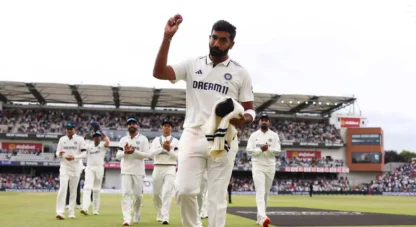
India squad for Sri Lanka Tests to be picked this week: Bumrah, Jadeja to return, Washington Sundar doubtful
Cricket
India squad for Sri Lanka Tests to be picked this week: Bumrah, Jadeja to return, Washington Sundar doubtful