
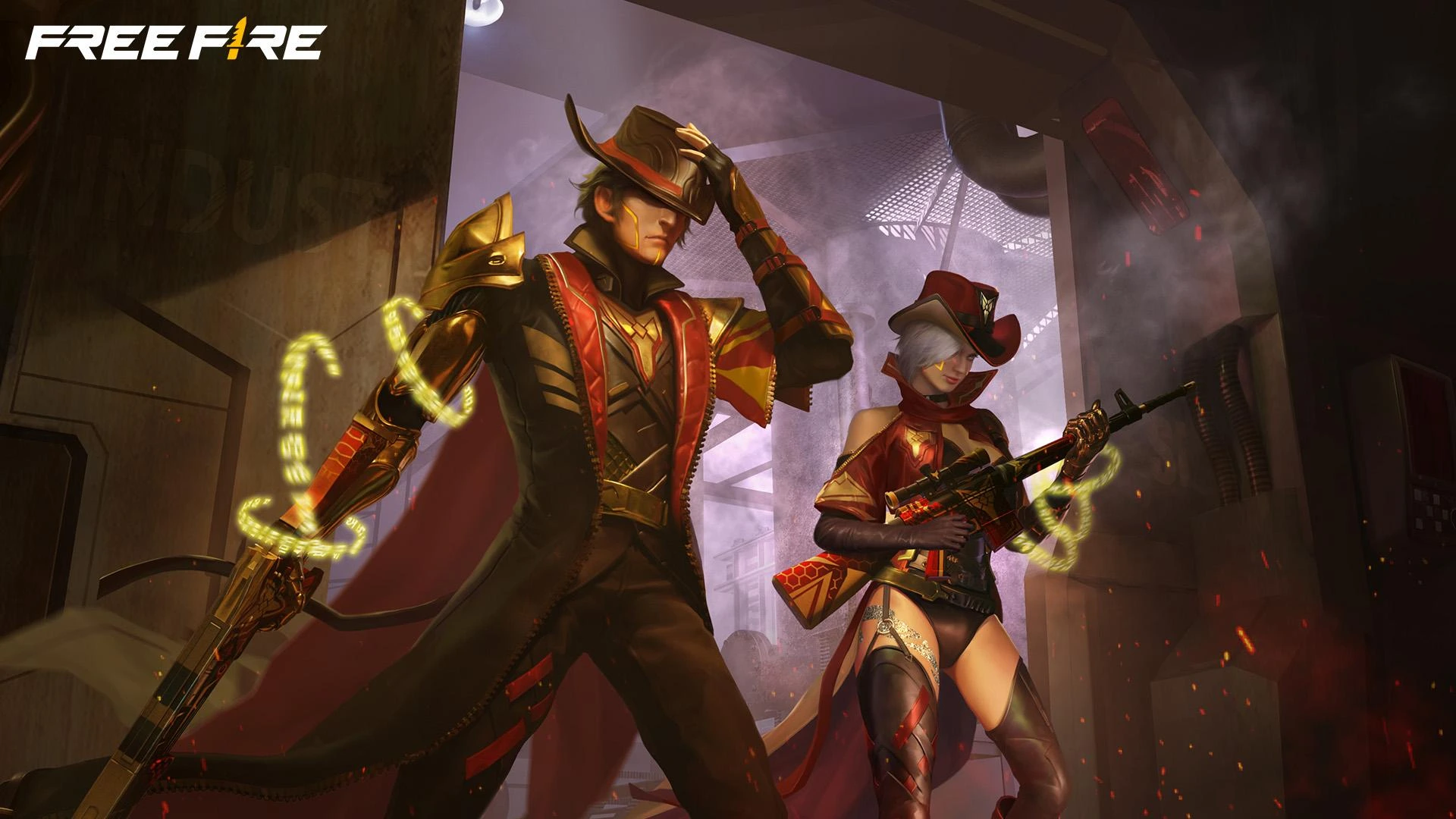
The Free Fire MAX OB50 update is now available with a variety of new features and enhancements to the game. Check out the Free Fire MAX OB50 Apk Download Links below.
Free Fire MAX OB50 Update Apk Download Links
FF MAX OB50 Update introduces a brand new content with weapon and character reworks. Check out Free Fire Max OB50 Apk Download Links below.
- Free Fire MAX OB50 Update Download Link for Android – Click Here
- Free Fire MAX OB50 Apk Download Link for iOS – Click Here
Also Read:
- Free Fire MAX Redeem Codes Today July 21 Indian Server Bring Free Rewards
- TEZ FFMIC 2026 Fall Play-Ins: FFC and City Qualifier Teams Revealed
- Garena Introduces Free Fire MAX Transfer Window with Specific Rules
A GUIDE TO INSTALL AND DOWNLOAD FF MAX OB50 UPDATE APK
For Android Devices:
- Official Stores (Recommended): The safest and easiest way to download Free Fire MAX is through the Google Play Store.
- Open the Google Play Store app on your Android device.
- In the search bar at the top, type “Free Fire MAX” and press Enter.
- Look for “Free Fire Max: 8th Anniversary!” (or the current version name) by Garena International I.
- Tap on the “Install” button.
- The game will download and install automatically.
- APK Download (Use with Caution): You can also download the APK file from third-party websites. However, only do this from trusted sources as downloading from unknown sources can pose security risks.
- Go to the official Free Fire website (https://ff.garena.com/) or a reputable APK download site.
- Look for the “Download APK” button.
- Before installing, you’ll likely need to enable “Install apps from unknown sources” in your phone’s security settings. Be sure to disable this setting after installation if you’re concerned about security.
- Once the APK is downloaded, tap on the file to start the installation.
For iOS Devices (iPhone/iPad):
- App Store (Recommended):
- Open the App Store app on your iPhone or iPad.
- Tap on the “Search” tab (magnifying glass icon) at the bottom.
- Type “Free Fire Max” in the search bar and tap search.
- Look for “Free Fire Max: 8th Anniversary!” (or the current version name) by GARENA INTERNATIONAL I PRIVATE LIMITED.
- Tap on the “Get” or cloud icon to download and install the game. You may need to authenticate with Face ID, Touch ID, or your Apple ID password.
Follow
Editor's Pick
 Cricket
India squad for Sri Lanka Tests to be picked this week: Bumrah, Jadeja to return, Washington Sundar doubtful
Cricket
India squad for Sri Lanka Tests to be picked this week: Bumrah, Jadeja to return, Washington Sundar doubtful
Top Stories

















































