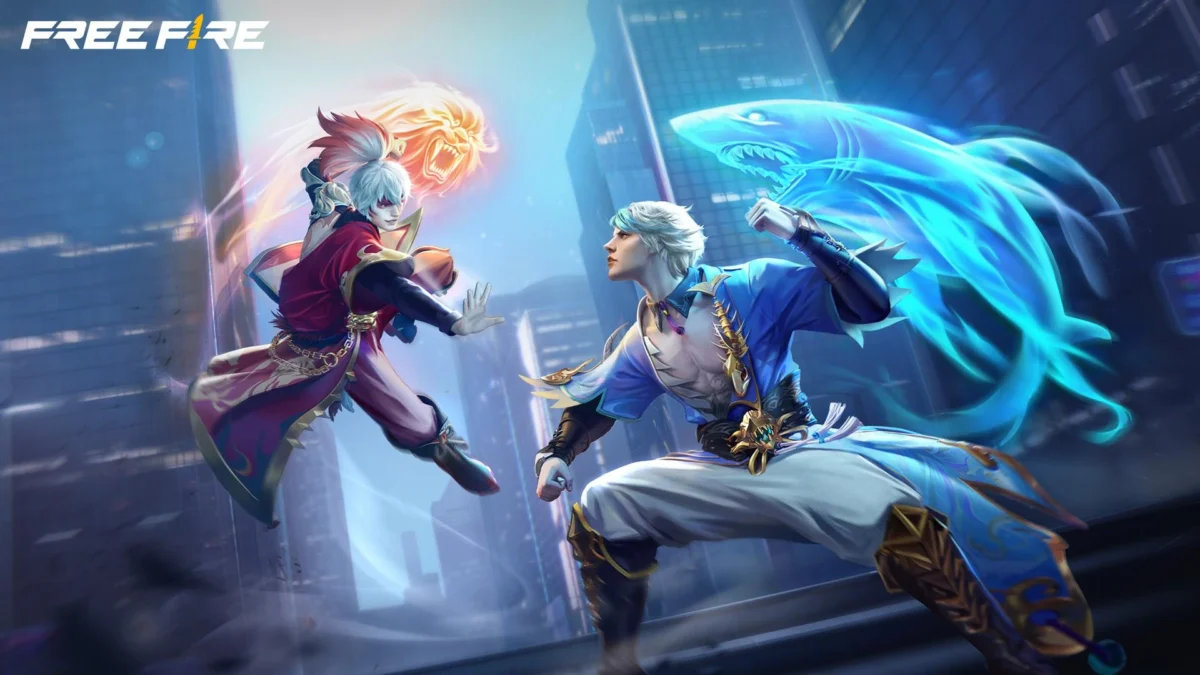
Garena officially announced the Free Fire OB54 Advance Server dates. Registrations are live right now for eager mobile gamers. Check out the Free Fire OB54 Advance Server Release Date below.
Free Fire OB54 Advance Server: Release Date
Free Fire OB54 Advance Server Release date is June 5, 2026. Players can test unreleased features until the server closes on June 18, 2026. This exclusive program lets you experience new weapons, characters, and system updates before anyone else.
Spots are highly limited. You must register early to secure an official Activation Code required to log into the test server.
Free Fire OB54 Advance Server Timeline
| Event | Date |
|---|---|
| Registration Start | Live Now |
| Server Open Date | June 5, 2026 |
| Server Close Date | June 18, 2026 |
Also Read:
- Free Fire MAX Redeem Codes Today July 21 Indian Server Bring Free Rewards
- TEZ FFMIC 2026 Fall Play-Ins: FFC and City Qualifier Teams Revealed
- Garena Introduces Free Fire MAX Transfer Window with Specific Rules
Step-by-Step FF Advance Server Registration Guide
Getting your account ready takes just a few moments. Follow these simple steps to complete your registration:
- Step 1: Open your web browser and go directly to the official Garena Free Fire Advance Server website.
- Step 2: Log in using either your Facebook or Google account. Ensure this account links to your main Free Fire profile.
- Step 3: Fill out the profile form. Provide a working email address to receive official developer notifications.
- Step 4: Click the “Join Now” button. Your registration application is now officially submitted to Garena.
Downloading the APK and Finding Your Code
After registration, look for your unique Activation Code on the main dashboard. Copy this code immediately. You cannot enter the server without it.
The official client APK download link activates on June 5. Come back to the official site on that day. Click the “Download APK” button to install the separate test application on your device. Launch the newly installed app. Paste your copied Activation Code when prompted to begin playing.
 Cricket
India squad for Sri Lanka Tests to be picked this week: Bumrah, Jadeja to return, Washington Sundar doubtful
Cricket
India squad for Sri Lanka Tests to be picked this week: Bumrah, Jadeja to return, Washington Sundar doubtful