
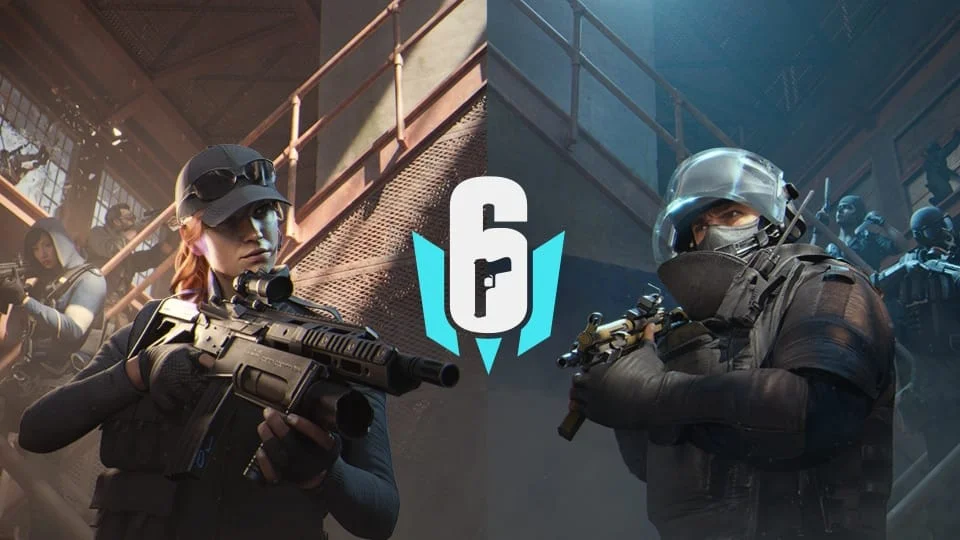
In a huge surprise to fans of tactical shooters in India, Rainbow Six Mobile is going to be released in India before the rest of the world. While the release date for the rest of the world is February 23, 2026, Indian fans will get to breach and clear as early as tomorrow, February 19, 2026.
India to Get Early Release of Rainbow Six Mobile
The official Rainbow Six Mobile X (formerly Twitter) account has just revealed a huge piece of information today, as they posted a video message with the following caption: “Namaste Operators! We have a special message for our #R6M fans in India. See you in-game tomorrow!”
According to Chirag Morab, the Graphics Technical Operator for Rainbow Six Mobile, this early access is a strategic move by the developers. The team is currently “warming up” the dedicated Mumbai servers to ensure stability before the massive influx of global traffic.
By opening the gates to Indian players 4 days early, Ubisoft aims to stress-test the regional infrastructure, ensuring a lag-free experience for the subcontinent’s massive mobile gaming audience.
This confirms that while the world waits for the 23rd, Indian operators will have a head start in grinding renowned maps like Bank and Border starting February 19. Usually, these types of rollouts occur in the middle of the night; the game will be live at 7:30 pm (19:30) IST (India Standard Time) on 19th February.
How to Download the Game for Android and iOS users in India
With the servers going live tomorrow, players need to ensure their devices are ready. Here is how you can download the game on your respective platform:
For Android Users
- Open the Google Play Store.
- Search for “Rainbow Six Mobile” or go to the official page.
- If you have already pre-registered, you may receive a notification that the game is available for install.
- Tap Install. (Note: Ensure you are on Wi-Fi as the initial download size is expected to be significant, likely over 2GB).
- Once installed, open the game to download additional resource packs and shaders.
For iOS Users
- Open the Apple App Store.
- Navigate to the Rainbow Six Mobile page.
- The “Get” or “Pre-order” button should change to Download or an update icon once the rollout begins in your region.
- Tap to install and allow the application to download necessary assets.
Note: If the “Install” button does not appear immediately at midnight, do not panic. Rollouts on app stores can sometimes take a few hours to propagate to all devices. Keep checking the store page throughout the day on February 19.
 Cricket
India squad for Sri Lanka Tests to be picked this week: Bumrah, Jadeja to return, Washington Sundar doubtful
Cricket
India squad for Sri Lanka Tests to be picked this week: Bumrah, Jadeja to return, Washington Sundar doubtful

















































