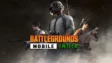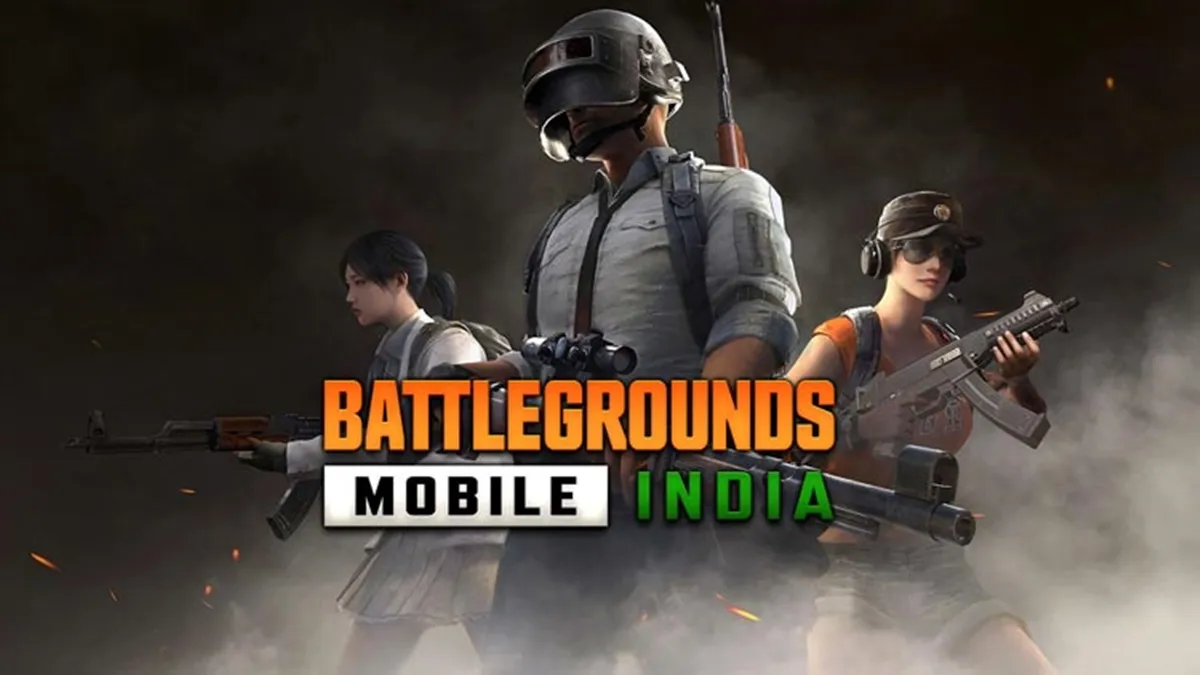
Unbanning a Battlegrounds Mobile India (BGMI) ID depends entirely on the nature of the ban. If the account was banned for violating the Terms of Service (such as using third-party hacks, scripts, or GFX tools), unbanning is rarely possible. However, if you believe your account was banned unfairly or by mistake, you can follow the official appeal process. Below is a guide on how to unban BGMI ID.
A Guide To Unban BGMI ID
Here are few steps to appeal to KRAFTON India for Unban BGMI ID.
Use the In-Game Appeal System
The most direct way to request a review is through the game client itself.
- Open BGMI: When you try to log in, a “Notice” window will appear showing the ban duration and reason.
- Tap on ‘File Claim’: Click the “File Claim” or “Help” button on the ban notice screen.
- Interact with the Bot/Support: This will open a customer support interface. Explain clearly that you have not used any prohibited software and request a manual review of your gameplay logs.
Contact Support via the Official Website
If you cannot access the in-game support, use the official Krafton Help Center.
- Visit the Help Center: Go to the BGMI Support Page.
- Contact Us: Look for the “Contact Us” icon (usually a message bubble or a link at the bottom).
- Fill the Form:
- Email Address: Enter your active email.
- Issue Type: Select “Report & Ban.”
- Problem Description: Write a formal appeal. Include your Character ID, In-game Name, and the exact date/time the ban occurred.
- Attachments: If you have screenshots or video evidence proving you weren’t cheating (such as a hand-cam or screen recording of the session), attach them.
Read More about BGMI
- Jonathan Gaming Teases New Team Announcement On April 12
- BGMI 120 FPS Supported Devices List (April 2026) Is Out
- BGMI Cricket League – The M416 Glacier Skin is Finally Back In Battlegrounds Mobile India
- Is there a BGMI Lite Release Date In India?
Email BGMI Support Directly
You can also send a detailed email to the official support channel.
- Email Address:
support-india@krafton.com - Subject: Appeal for Account Ban – [Your Character ID]
- Body: State your case professionally. Mention that you have strictly followed the “Rules of Conduct” and believe the ban was a “False Positive” caused by network issues or system glitches.
Common Reasons for Bans
To prevent future issues, ensure you avoid:
- Unauthorized Third-Party Apps: Even apps that “improve performance” or change graphics (GFX tools).
- Teaming Up: Playing consistently with hackers in your squad.
- Modified Game Files: Any change to the
.apk or.obbfiles. - Inappropriate Language: Repeated reports for verbal abuse or toxic behavior.
Follow
Editor's Pick
 Cricket
Wanindu Hasaranga ruled out of IPL 2026; LSG close in on overseas spin replacement
Cricket
Wanindu Hasaranga ruled out of IPL 2026; LSG close in on overseas spin replacement
Top Stories