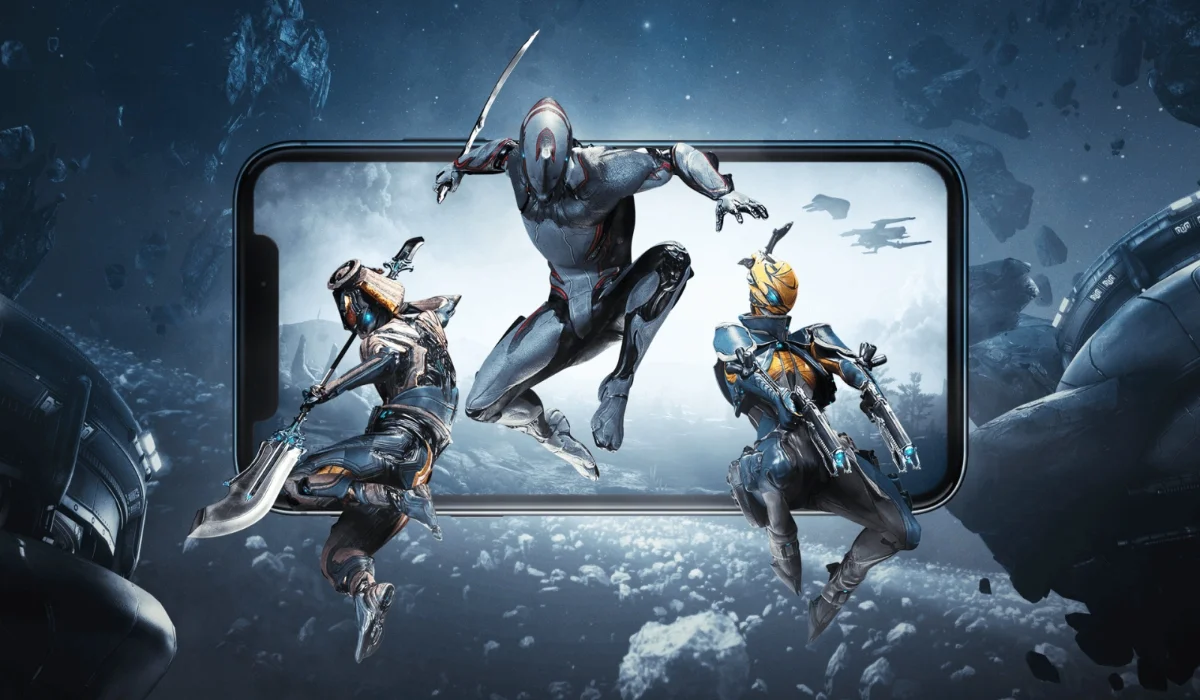
Great news for Android gamers eagerly awaiting Warframe Mobile. While a global release is still on the horizon for February 18, players in certain regions, notably Canada, can already dive into the action. If you’re looking to get your hands on Warframe Mobile right now, we’ve got a comprehensive guide to help you play the game.
Warframe Mobile Download Link: Check Here
You can find the Warframe Mobile listing on the Google Play Store here: Click here.
However, simply clicking this link might not be enough if you’re outside a supported region. Here’s how to ensure you can download and play:
How to Download Warframe Mobile on Android
- Get a VPN and Connect to Canada: Your first step is to download and install a reliable VPN (Virtual Private Network) application on your Android device.
- Once installed, open the VPN and select a server location in Canada.
- Clear Google Play Store Data: This is a crucial step to reset your Play Store’s regional settings.
- Go to your phone’s Settings.
- Navigate to Apps or Applications (the exact wording might vary depending on your Android version).
- Find and tap on Google Play Store.
- Select Storage (or Storage & Cache).
- Tap Clear Data (and sometimes Clear Cache as well). Don’t worry, this won’t delete your apps or personal data, just the Play Store’s temporary files and settings.
- Now that your Play Store’s data is cleared, open the Google Play Store app. It might ask you to sign in again or show your existing accounts.
- Once you’ve successfully completed the previous steps. You can either search the game or simply click the link above.
ALSO READ
- MLBB KOF Bingo Pattern 2026: The Guide to King of Fighters Encore
- Mobile Legends: Bang Bang Redeem Codes Today – Unlock Free Rewards in Love Nikki: Dress Up Queen (February 2026)
- MLBB Golden Month 2026: Date, Rewards, and Hanabi Skin Guide
- Ishowspeed: Religion, Net Worth, Girlfriend, And More
- Does IShowSpeed Own a Private Jet? The Reality Behind the Luxury Travels
What to Expect: Gameplay and Performance
Early reports and gameplay videos showcase that Warframe Mobile is running smoothly on Android devices, even with graphics settings pushed to the max.
Players can expect the same fast-paced, action-packed third-person shooter experience that made the PC and console versions so popular, optimized for mobile touch controls.