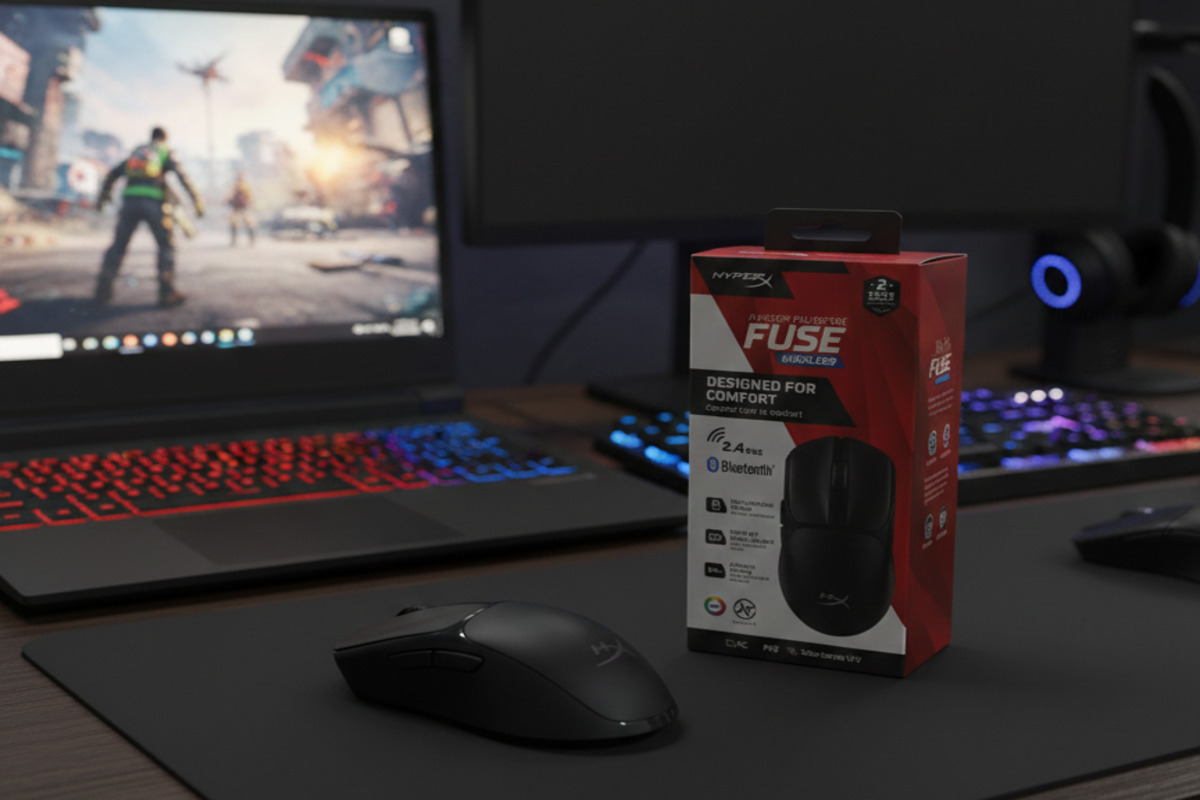
After spending time with the HyperX Pulsefire Fuse Wireless, I wanted to see whether this budget-friendly mouse could genuinely compete in real-world gaming scenarios. Rather than focusing on specs alone, I put it through daily use from competitive sessions in Valorant to long, plenty of hours in Cyberpunk 2077.
The goal was simple: determine whether it delivers consistent performance, reliable connectivity, and lasting comfort without the premium price tag.
Design And Feel: Surprisingly Sturdy
The first thing you notice is the solid design. Unlike many lightweight mice that use honeycomb holes to reduce weight, this one has a fully closed shell. That means less dust buildup and a cleaner look over time. The build quality feels strong, with no flexing or creaking when pressed.
- The Weight: At 75 grams (with the AAA battery installed), the weight feels balanced. It’s light enough for quick flick shots in FPS games but still feels stable in the hand. It doesn’t feel hollow or fragile.
- The Grip: The Microline textured panels on the sides are subtle but effective. During a 3-hour rank push in VALORANT, my hand didn’t slip once, even when things got sweaty.
- The Shape: It’s symmetrical and “ambidextrous,” but keep in mind the side buttons are only on the left. If you’re a lefty, you’re basically using a 3-button mouse.
Design and Feel Rating: 8.0/10
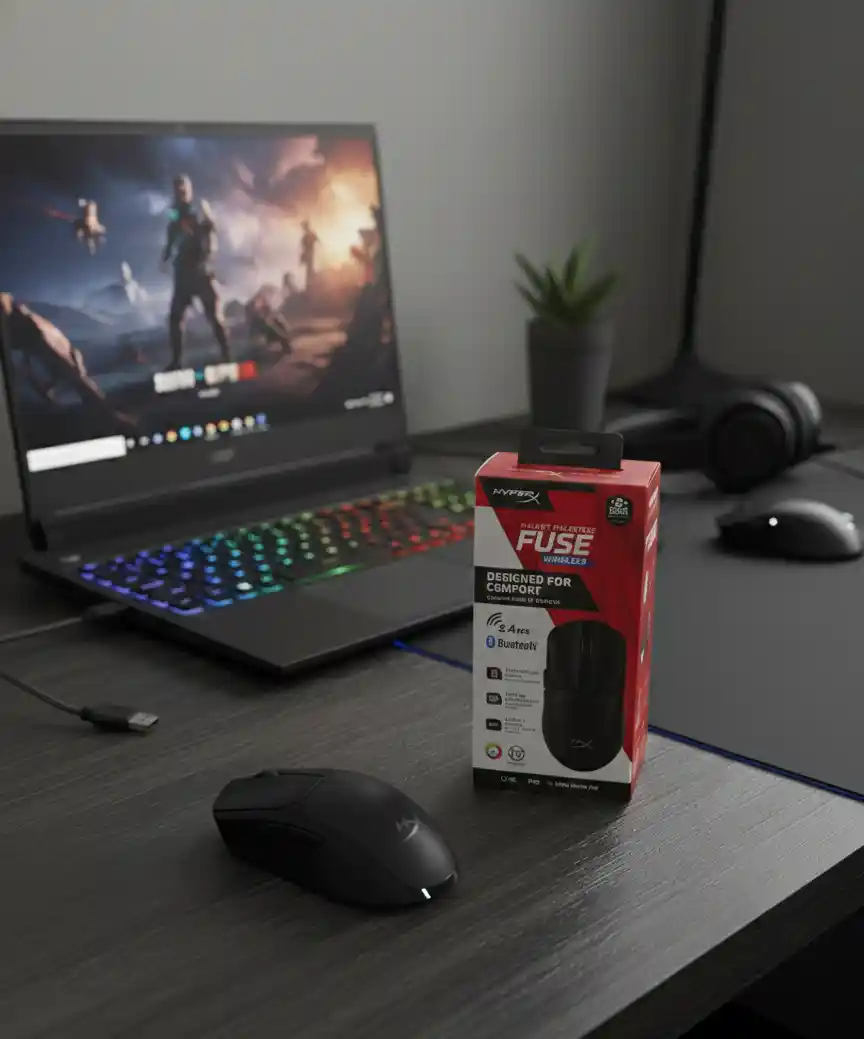
Gaming Performance: FPS vs. AAA
I tested this across two very different styles of play:
1. The FPS Test (Valorant/CS2):
The mouse uses a Pixart PAW3311 sensor with a maximum DPI of 12,000. While that number may seem lower than high-end gaming mice, in real use it doesn’t feel limited. Most competitive players use 400–800 DPI anyway.
In Valorant, tracking felt smooth and steady. Quick flicks and fast turns were handled without any noticeable issues like jitter or spin-outs. The clicks, powered by Kailh switches, feel crisp and responsive. They have short travel and clear feedback, which helps during rapid firing or controlled tapping.
Overall, for competitive shooters, the performance feels dependable and consistent.
2. Casual and AAA Games
For single-player games like Cyberpunk 2077, I switched to Bluetooth mode to save battery. The connection change is quick and easy. There is a small increase in latency compared to the 2.4GHz wireless dongle, but in story-driven games, it’s barely noticeable. Camera movement feels smooth, and general navigation is comfortable. Dual connectivity is especially useful if you want to switch between a gaming PC and a laptop without unplugging anything.
Gaming Performance Rating: 8.5/10
The AAA Battery Choice
One of the biggest differences with this mouse is that it uses a single AAA battery instead of a built-in rechargeable one.
There are pros and cons here.
On the positive side, if the battery dies, you can replace it in seconds and continue playing. There’s no need to connect a charging cable or wait for it to recharge. A single battery lasts around 80–85 hours, which is solid for regular gaming.
The downside is that you’ll need spare batteries. However, replaceable batteries can actually increase the lifespan of the mouse, since built-in batteries slowly lose capacity over time.
Whether this is a benefit or an inconvenience depends on personal preference.
Gaming Performance Rating: 7.5/10
Value for Money Angle
When you consider everything this mouse offers at its price point, it’s difficult to find something that competes so well on both performance and practicality. In the Indian market, wireless gaming peripherals often feel overpriced. Either you get a bare-bones product with weak battery life or a pricey mouse with features that most gamers never use. The HyperX Pulsefire Fuse Wireless strikes a smart balance. It delivers reliable 2.4GHz performance, switchable Bluetooth, solid build quality, and comfortable ergonomics, all without breaking the bank.
You’re not paying extra for gimmicks like RGB lighting or gimmicky driver software. Instead, you get what matters most: a dependable gaming experience that feels like a step up from most budget wired mice.
For casual players, competitive gamers on a budget, or anyone who just wants a dependable wireless mouse without hidden costs, the value here is tough to beat.
Value for Money Angle: 8.0/10
OVERALL RATING – 8.0/10
Pros:
- Excellent value for money in the Indian market.
- Lightweight 75g design with a solid shell.
- Dual connectivity (2.4GHz + Bluetooth).
- No charging cables required.
Cons:
- DPI switch is on the bottom (hard to change mid-game).
- Left-side buttons only (not fully ambidextrous).
- Matte finish can attract fingerprints over time.