BGMI (Battlegrounds Mobile India) is primarily designed for mobile devices, but there are a few methods you can use to play it on your PC. Check out the guide to download and install BGMI on PC.
Download and install BGMI on PC: Using an Android Emulator:
Download an emulator: Choose a reputable emulator like BlueStacks, LDPlayer, or GameLoop.
Install the emulator: Follow the installation instructions provided by the emulator.
Download BGMI APK: Search for the BGMI APK file online and download it to your PC. Ensure you’re downloading from a trusted source.
Install BGMI: Drag and drop the downloaded APK file onto the emulator window or use the emulator’s built-in APK installer.
Play BGMI: Once the installation is complete, you can launch BGMI from within the emulator and enjoy playing it on your PC.
Read More about BGMI
- BGIS 2026 Quarter Finals Overall Standings – All 64 Teams’ Points and Leaderboard
- BGIS 2026 Quarter Finals Day 2 Points Table Live Updates And More
- When Will GodLike and Team Soul Play in BGIS 2026 Quarter Finals?
- BGIS 2026 Finals LAN Location And Venue Revealed, Check Here
- BGMI 4.3 Update Release Date and Time is Here: Check All Upcoming Features
Using Cloud Gaming Services (Beta):
Sign up for a cloud gaming service: Platforms like GeForce NOW, Google Stadia, or Amazon Luna offer BGMI as part of their game library.
Subscribe to a plan: Choose a subscription plan that includes BGMI.
Stream the game: Launch BGMI from the cloud gaming service’s platform and play it directly on your PC through streaming.
Note:
The availability of BGMI on cloud gaming services may vary depending on your region and the specific service provider. Using an emulator might require a powerful PC to ensure smooth gameplay. Always download BGMI from trusted sources to avoid malware or viruses.
By following these methods, you can enjoy playing BGMI on your PC and experience the game in a larger and more immersive format.
 Cricket
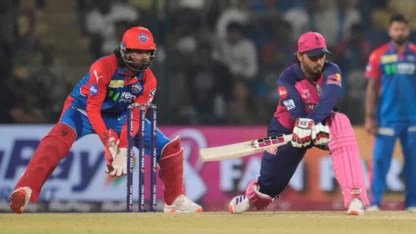
IPL 2026 to begin from March 28? Two-day delay expected for tournament opener
Cricket
IPL 2026 to begin from March 28? Two-day delay expected for tournament opener