
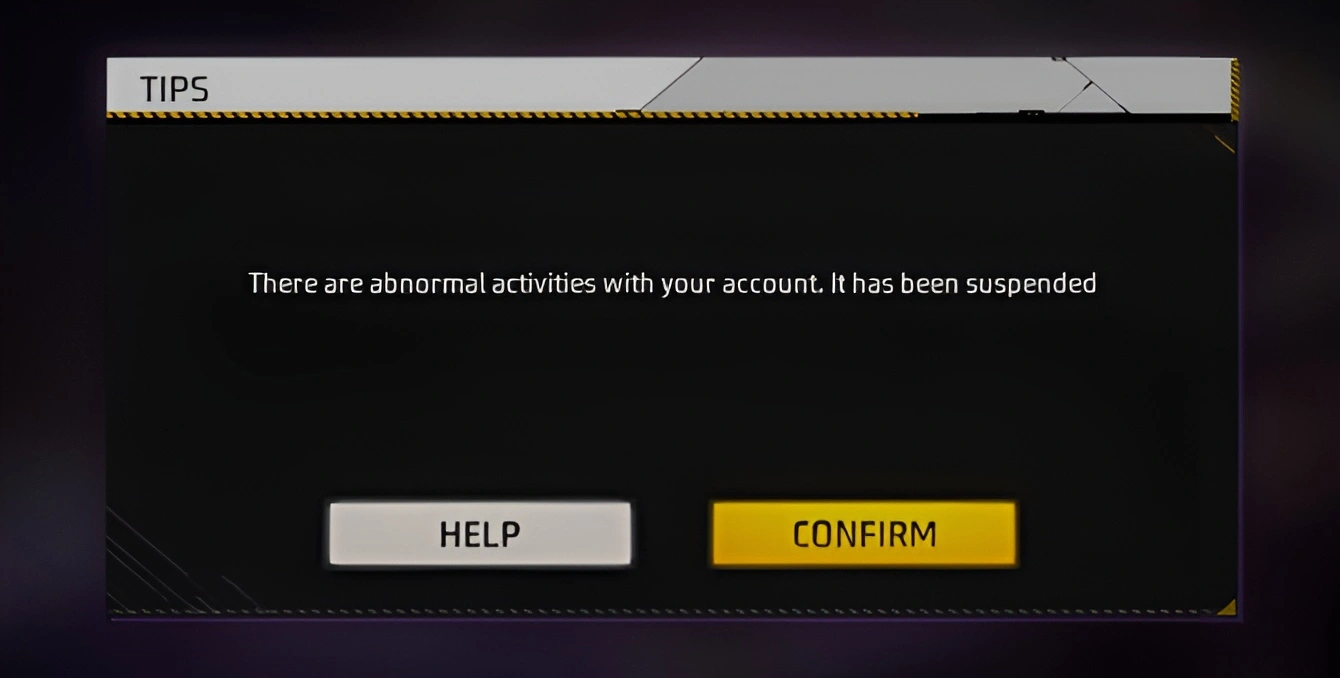
Getting hit with an Account Suspended message in Free Fire is a nightmare for any player. Whether you’ve spent years climbing the ranks or have a collection of rare skins, losing access feels like losing a piece of your hard work. While Garena has a strict zero-tolerance policy for cheating, mistakes do occur, and sometimes accounts are unfairly flagged. If you’re faced with a similar situation, then there is a formal way to contact Free Fire Customer Service and ask for a review.
How to Contact Free Fire Customer Service?
The only official way to appeal a ban is through the Garena Free Fire Help Center. Don’t be fooled by unlicensed tools or third-party websites promising to unlock your ID. Those are usually scams that will only put your data at risk. Here is a safe and easy way to approach Garena Contact Customer Service:
- Visit the Free Fire Help Center: Go to the official Free Fire Support website.
- Sign In: You must log in using the social media account linked to your game (Facebook, Google, VK, etc.).
- Submit a Request: Once logged in, click on your nickname in the top right corner and select “Submit a Request.”
- Fill the Form: Select your region and choose “Ban Appeal” as the type of problem. You’ll need to provide your Player ID and in-game nickname.
When you fill out the description box, honesty is the best policy. If you were using a VPN for lag or if your phone had a game booster app running, mention it. Sometimes these tools trigger the anti-cheat system even if you weren’t actually hacking.
It is also incredibly helpful to mention if you think your account was compromised. If someone else gained access to your login and used cheats, the support team can sometimes see the change in IP addresses and realize it wasn’t you.
Also Read:
- Free Fire MAX Redeem Codes Today July 21 Indian Server Bring Free Rewards
- TEZ FFMIC 2026 Fall Play-Ins: FFC and City Qualifier Teams Revealed
- Garena Introduces Free Fire MAX Transfer Window with Specific Rules
Providing Evidence is Important
Don’t just send a one-sentence message saying “unban me.” To give yourself the best chance, include specific details:
- Your exact Player ID and In-game Name.
- The exact date you noticed the ban.
- Screenshots: If you have receipts of recent Diamond purchases, attach them. This proves you are the invested owner of the account, not a throwaway bot.
Once you submit the ticket, it’s a waiting game. It usually takes a few days for a response, so try to be patient rather than sending multiple tickets, which can actually slow the process down.
 Cricket
India squad for Sri Lanka Tests to be picked this week: Bumrah, Jadeja to return, Washington Sundar doubtful
Cricket
India squad for Sri Lanka Tests to be picked this week: Bumrah, Jadeja to return, Washington Sundar doubtful

















































