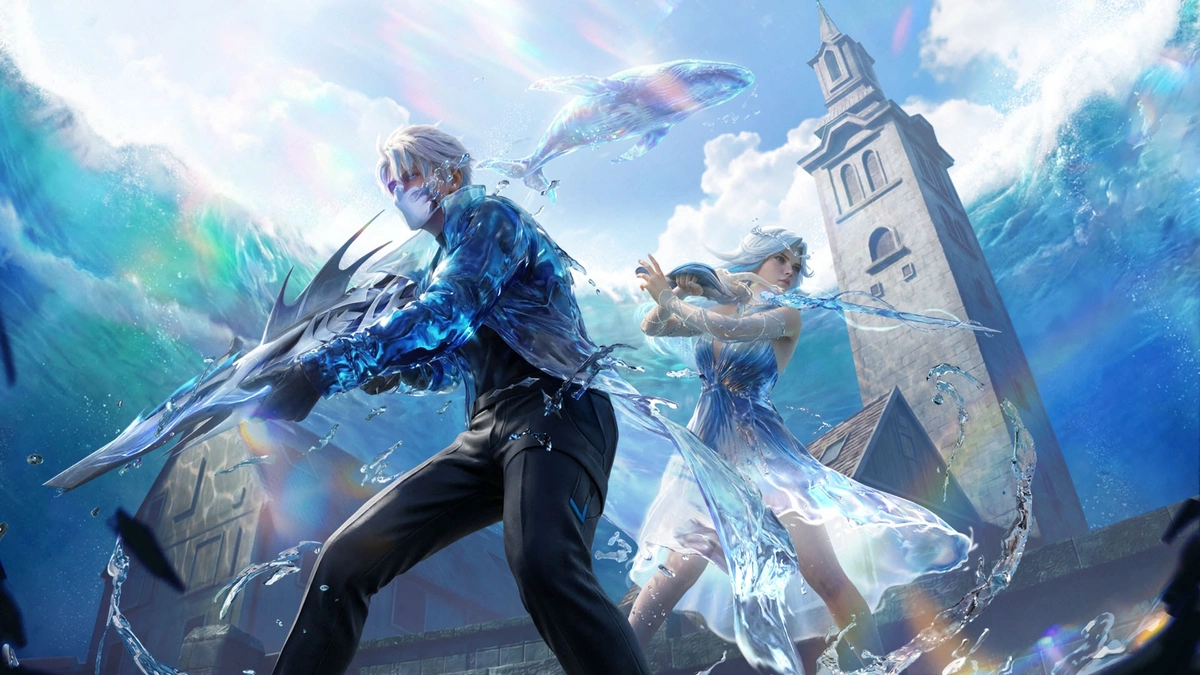
The Free Fire OB53 update has officially arrived, bringing a massive wave of fresh content under the “Undersea Mystery” theme. This patch introduces the highly anticipated Hydro Zone in Bermuda, a revamped M24 upgrade system, and the unique Fishing Pond mechanic that lets you net buffs while taking a break from the heat of battle. Check out the Free Fire OB53 Update Download Links below.
Free Fire OB53 Update Download Links (Android & iOS)
To enjoy the new features without lag or compatibility issues, follow these official steps to update your game through the authorized app stores.
For Android Users (Google Play Store)
- Open the Google Play Store: Locate and tap the Play Store icon on your home screen or app drawer.
- Search for “Free Fire”: Use the search bar at the top and type “Free Fire” or “Free Fire MAX.”
- Select the Game: Tap on the official Garena Free Fire result from the list. Or Click Here
- Tap “Update”: If the update is live in your region, you will see a green Update button. Tap it to begin the download.
- Note: If you only see “Play,” try clearing your Play Store cache or waiting a few minutes for the rollout to reach your device.
- Launch & Log In: Once the installation hits 100%, tap Open to enter the game and download any additional in-game resource patches.
Also Read:
- Free Fire MAX OB53 Update Download Apk Links Are Now Available
- Free Fire OB53 Update Download Links Are Now Available
- Free Fire MAX Redeem Codes Today April 8 Indian Server Bring Free Rewards
- Free Fire MAX OB53 Release Date, Features, and More
- TEZ FFMIC 2026 Grand Finals: The Gateway to Free Fire MAX Asia Invitational 2026 Spring
- TEZ FFMIC 2026 Spring Grand Finals Tickets Are Live Now
For iOS Users (Apple App Store)
- Launch the App Store: Open the App Store on your iPhone or iPad.
- Access Your Profile: Tap on your Profile Icon (top right corner) to see the list of pending updates. Or Click Here for direct game listing page.
- Refresh the List: Pull down on the “Upcoming Automatic Updates” screen to refresh and check for the latest version.
- Find Free Fire: Scroll down until you see Garena Free Fire and tap the Update button next to it.
- Alternatively, search for “Free Fire” manually in the Search tab and tap the Update button on the game page.
- Complete Installation: Wait for the download to finish, then tap Open to start your OB53 journey.
Quick Tips for a Smooth Update:
- Storage Space: Ensure you have at least 1.5 GB to 2 GB of free space to accommodate the new assets.
- Connection: Use a stable Wi-Fi connection to avoid data charges and interrupted downloads.
- Maintenance: If the servers say “Maintenance,” please be patient. The update files may be available, but the game servers usually take a few hours to go live globally.
Follow