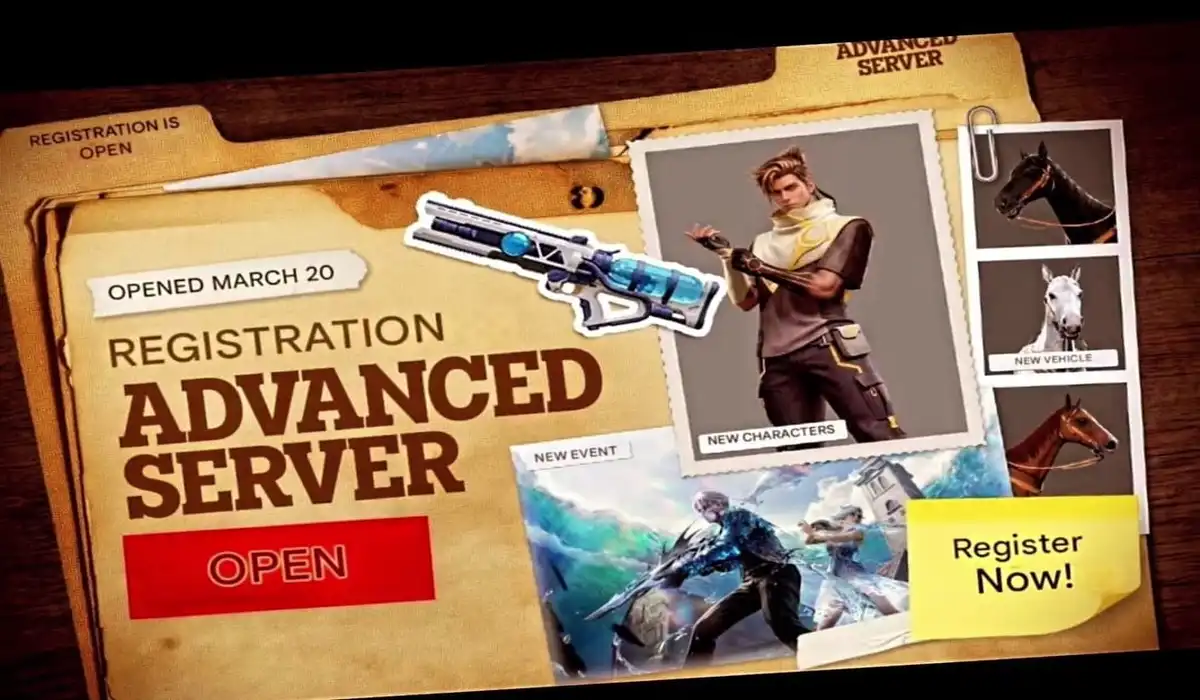
Garena is preparing to roll out the OB53 update for Garena Free Fire in the coming weeks. If you are a fan who enjoys being the first to try out new characters, weapons, and map changes before anyone else, then the Advance Server is where you need to be. It is a special server where you can find unreleased content, and you can even get some free diamonds by reporting bugs. In this article, we’ll tell you everything you need to know.
What is the OB53 Advance Server, and How to Download It?
The Advance Server is like an early preview of the next update. It is a separate version of Garena Free Fire where developers test new content with real players.
For the OB53 update, the Advance Server will open on March 20, 2026, and stay available until April 2, 2026. During this time, players can try upcoming features and send feedback to the developers. This helps the team fix bugs and improve the update before it releases globally.
How to Download the OB53 Advance Server
Joining the Advanced Server is simple, but you will need an Activation Code because only a limited number of players can enter.
- Log in: Sign in using your Facebook or Google account that is linked to your game profile.
- Register: Enter your email address and complete the registration. If selected, you will receive an Activation Code. Save it safely.
- Download the APK: From March 20, the Download APK option will appear on the website. Click it to download the file on your Android device.
- Install and Enter the Code: Install the app and open it. When asked, enter the Activation Code you saved earlier.
Also Read:
- Free Fire MAX Redeem Codes Today March 14 Offer Amazing In-Game Rewards
- Free Fire OB53 Advance Server: Release Date, Registration, and New Features
- FFMIC 2026 Knockout Stage: Teams, Schedule, Format, and More
- Free Fire OB53 Update Release Timeline, Collaboration, and More
- Free Fire MAX Booyah Pass April 2026: Release, Leaked Rewards, and More
The Advance Server will only stay open from March 20 to April 2, so players should download it as soon as the link becomes available.
Also, remember that progress made in the Advanced Server will not carry over to your main account. However, if you report bugs during testing, the Diamonds you earn will be sent to your real game account.