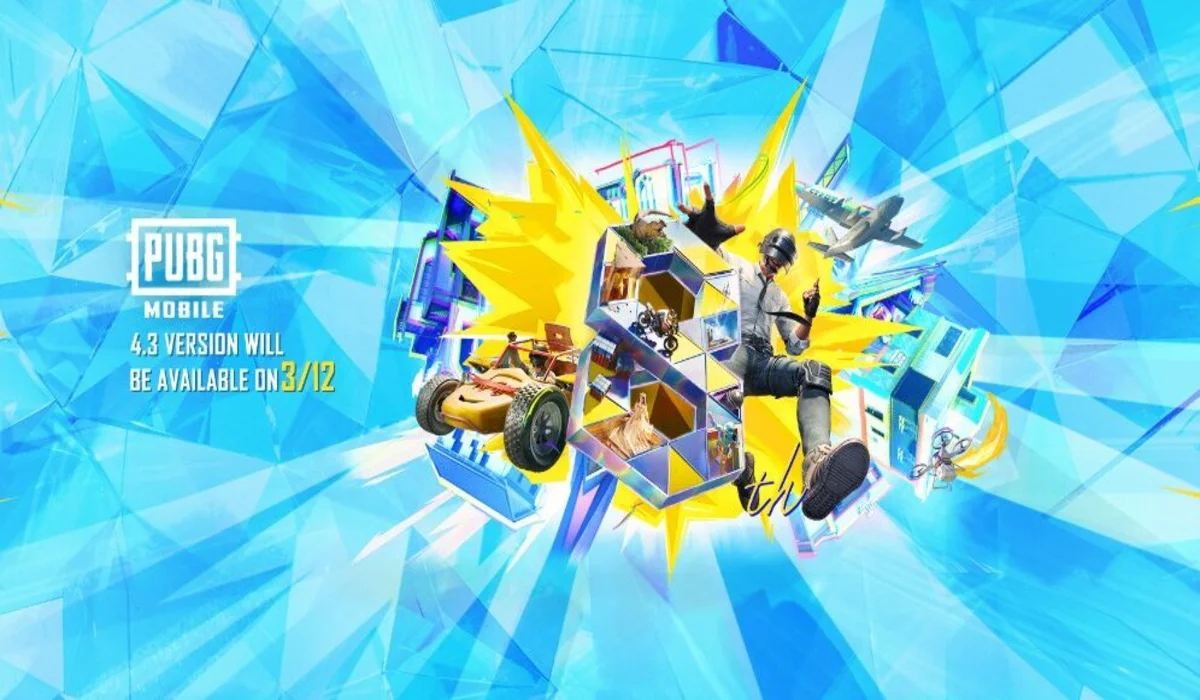
The battlegrounds are about to undergo a massive transformation. The highly anticipated PUBG Mobile 4.3 Update, celebrating the game’s 8th Anniversary, is officially on the horizon.
With a brand-new themed mode, fresh mechanics, and a classic weapon making its debut, here is everything you need to know about the release schedule and how to get the update.
PUBG Mobile 4.3 Update Release Schedule
The 4.3 update will begin its global rollout on March 12, 2026. As is standard with major patches, the update is released in phases to ensure server stability.
Android (Google Play Store)
- Rollout Start: 7:30 AM (Local Time)
- Full Availability: 3:30 PM (Local Time)
Note: If you don’t see the update immediately, check again after a few hours as it propagates across different regions.
iOS (Apple App Store)
- Full Availability: 12:30 PM (Local Time)
Note: iOS users typically receive the update in a single global wave rather than a staggered rollout.
Key Hgighlights of PUBG Mobile Version 4.3
- The 8th Anniversary brings the “Evolving Universe” themed mode, featuring:
- New Weapon: The M1 Garand, a powerful semi-automatic rifle.
- Themed Hot Drops: Pochinki (Tilted Town) becomes a music-filled “Livehouse,” while Hospital features a new cannon launcher.
- Racing Mode: Visit Mylta for high-octane vehicle races to earn Level 3 loot.
- Quality of Life: New auto-zoom features for the minimap and improved movement physics.
ALSO READ –
- PUBG Mobile 4.3 Update Release Date (Official) Is Out Now
- PUBG Mobile Joins Esports Nations Cup 2026, Check Details
- PUBG Mobile 4.3 Update Brings Passive Skills With C/B/A/S Ranks
- Is the PUBG Mobile Lite 0.28.0 Update Finally Coming?
How to Download & Update
To ensure a smooth installation and avoid “Version Mismatch” errors when playing with friends, follow this guide:
Method 1: Official App Stores (Recommended)
- Open the Google Play Store or Apple App Store.
- Search for “PUBG MOBILE.”
- If the update is live for your device, you will see an “Update” button.
- Ensure you are on a stable Wi-Fi connection, as the update size is expected to be approximately 1.2 GB to 1.8 GB.
Method 2: Official APK (Android Only)
- If the Play Store is slow to show the update, you can download the official APK directly from the source:
- Visit the official website: www.pubgmobile.com.
- Click on the “Download APK” button (usually available in “Compact” or “Full” versions).
- Once downloaded, tap the file to install.
- Safety Tip: You may need to enable “Install from Unknown Sources” in your device settings.
Pro-Tip: Make sure your device has at least 5 GB of free storage space to accommodate the update and the new resource packs.
 Cricket
Paras Dogra & Auqib Nabi make place for J&K among big boys of Indian cricket, win maiden Ranji Trophy title
Cricket
Paras Dogra & Auqib Nabi make place for J&K among big boys of Indian cricket, win maiden Ranji Trophy title