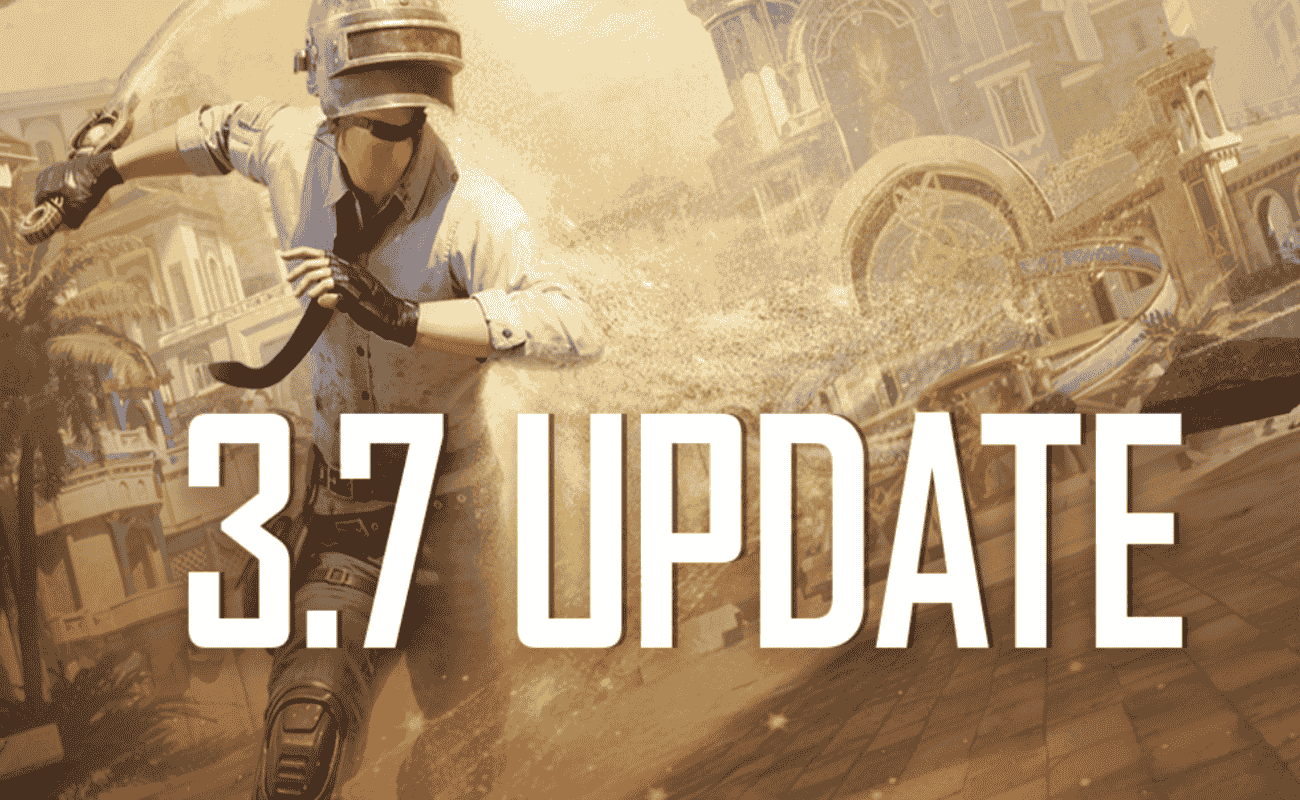
Battlegrounds Mobile India 3.7 Update is now live for everyone. Players can download the update using Google Play Store or App Store. When looking to update or download BGMI, especially through platforms like TapTap, it’s essential to follow a few key steps. Here’s a general guide for BGMI 3.7 Update TapTap Download Link.
General Steps to Install the update and BGMI 3.7 Update TapTap Download Link
Install TapTap: First, ensure you have the TapTap app installed on your Android device. If you don’t, you’ll need to download it from their official website.
Search for BGMI: Open the TapTap app and use the search bar to look for “BGMI.” Or Click here for BGMI 3.7 Update TapTap Download Link.
Navigate to the BGMI Page: Select the official BGMI application from the search results.
Check for Updates: On the BGMI app page, look for an “Update” button. If an update is available, it will be displayed.
Download and Install: Tap the “Update” button and wait for the download to complete. Once downloaded, follow the on-screen prompts to install the update.
Launch BGMI: After installation, you can launch BGMI and enjoy the latest version.
Read More about BGMI
- BGIS 2026 Quarter Finals Overall Standings – All 64 Teams’ Points and Leaderboard
- BGIS 2026 Quarter Finals Day 2 Points Table Live Updates And More
- When Will GodLike and Team Soul Play in BGIS 2026 Quarter Finals?
- BGIS 2026 Finals LAN Location And Venue Revealed, Check Here
- BGMI 4.3 Update Release Date and Time is Here: Check All Upcoming Features
Important Considerations
Official Sources: Always prioritize downloading apps and updates from official or trusted sources like TapTap. This helps minimize the risk of downloading malicious software.
Storage Space: Ensure you have sufficient storage space on your device before downloading and installing the update.
Internet Connection: A stable internet connection is crucial for a smooth download process.
Compatibility: Verify that your device meets the minimum system requirements for the BGMI update.
By following these steps, you should be able to download and install the BGMI update successfully through TapTap.
 Cricket
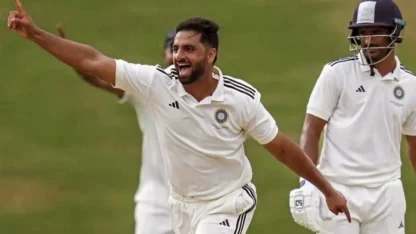
Paras Dogra & Auqib Nabi make place for J&K among big boys of Indian cricket, win maiden Ranji Trophy title
Cricket
Paras Dogra & Auqib Nabi make place for J&K among big boys of Indian cricket, win maiden Ranji Trophy title