Sometimes the dreaded server downtime disrupts players’ winning streak in Battlegrounds Mobile India. But before you panic, here are some troubleshooting steps to get you back in the fight. Follow the steps to fix server connectivity and BGMI Server Down/Failure issues.
BGMI Server Down/Failure: Guide to fix
Unstable connections are a common culprit behind server issues. So, the first line of defense is to check your internet stability. If you’re on Wi-Fi, try switching to cellular data, or vice versa. Opt for a strong Wi-Fi connection whenever possible. Additionally, avoid areas with congested networks, as heavy traffic can disrupt your connection.
- Change your connection method to Cellular vs. Wi-Fi (Wi-Fi preferably), or avoid regions with heavy network traffic.
- End all the other applications in the background and restart the game.
- Restart your phone and connection to try again.
- If your ping is around 360-369ms, then it becomes a Server Not Responding issue.
Read More about BGMI
- Jonathan to Leave GodLike for His Own Esports Team? Latest update
- BGMI Player Transfer Window Will Open On 1st April 2026
- Upthrust Esports India Rising Series 2026 have slots in BMPS 2026
- iQOO Soul Wins BGIS 2026 Grand Finals in Chennai
- Is there a BGMI Lite Release Date In India?
If you’ve exhausted these steps and the server woes persist, don’t hesitate to contact BGMI support. Their technical team is equipped to handle such issues and offer further assistance.
Remember, a little troubleshooting can save your game and get you back to dominating the battlegrounds! So next time you encounter server downtime, keep these tips in mind and get back to the action in no time.
 Cricket
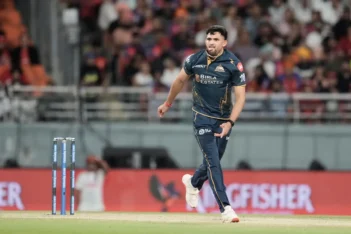
Ashok Sharma bowls fastest ball of IPL 2026, shows shades of Umran Malik & Mayank Yadav
Cricket
Ashok Sharma bowls fastest ball of IPL 2026, shows shades of Umran Malik & Mayank Yadav